Labels for Maintenance Operations
| Availability |
Odoo Online
Odoo.sh
On Premise
|
|---|---|
| Compatibility |
Community
Enterprise
|
| Technical Name | garazd_product_label_maintenance |
| Version | 20.0.1.0.0 |
| License | OPL-1 |
| Category | |
| Support | Free 60 days support and 360 days bug-fixing |
Use Case

Jorem ipsum dolor sit amet, consectetur adipiscing elit. Nunc vulputate libero et velit interdum, ac aliquet odio mattis. Class aptent taciti sociosqu ad litora torquent per conubia nostra, per inceptos himenaeos.
Forem ipsum dolor sit amet, consectetur adipiscing elit. Nunc vulputate libero et velit interdum, ac aliquet odio mattis. Class aptent taciti sociosqu ad litora torquent per conubia nostra, per inceptos himenaeos.
Dorem ipsum dolor sit amet, consectetur adipiscing elit. Nunc vulputate libero et velit interdum, ac aliquet odio mattis.
It is a long established fact that a reader will be distracted by the readable content of a page
Korem ipsum dolor sit amet, consectetur adipiscing elit. Nunc vulputate libero et velit interdum, ac aliquet odio mattis. Class aptent taciti sociosqu ad litora torquent per conubia nostra, per inceptos himenaeos.
Korem ipsum dolor sit amet, consectetur adipiscing elit. Nunc vulputate libero et velit interdum, ac aliquet odio mattis.
Odoo App Installation
Upload modules
Upload modules from the ZIP archive to your Odoo hosting, or a GitHub repository connected there.
Place the unzipped modules in your custom add-on directory and restart the Odoo system service.
Update App List
After restarting, activate the Developer Mode, and go to the Apps menu.

Click on Update Apps List to fetch the new modules in the list.
Activate the App
Install the new module, finding it by name and clicking on the Activate button.
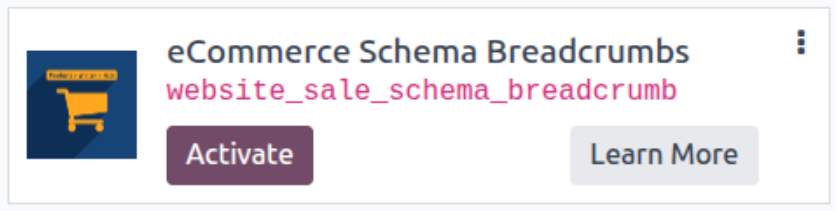
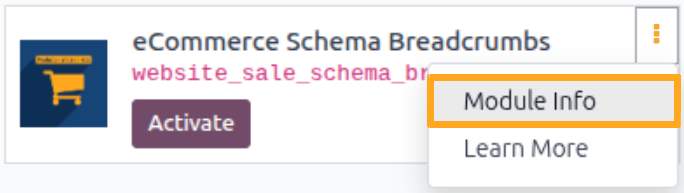
* If you don't see the module, try to remove the default Apps filter from the search bar.
Configuration
Follow the instructions in the module description to complete the installation process and start using the app.

Manual

Getting Labels for Printing
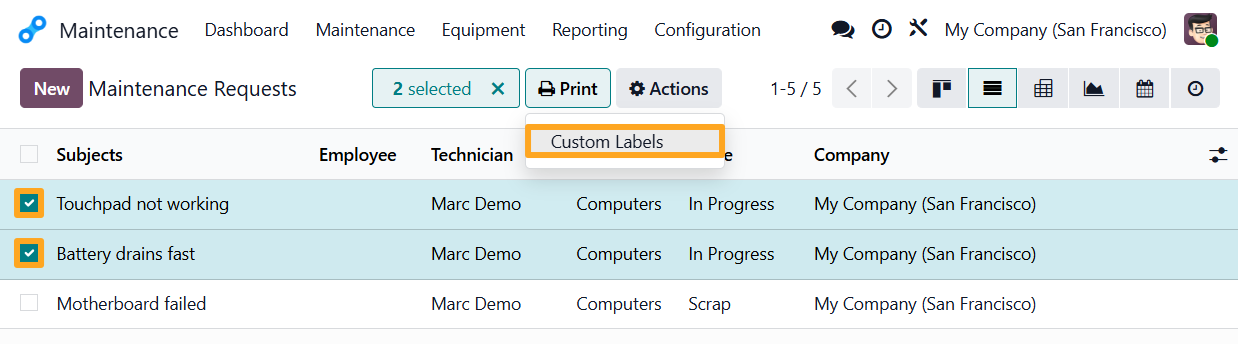
After installation, the module allows you to print labels from the Maintenance menu. Go to the desired section: Maintenance Requests or Equipment.
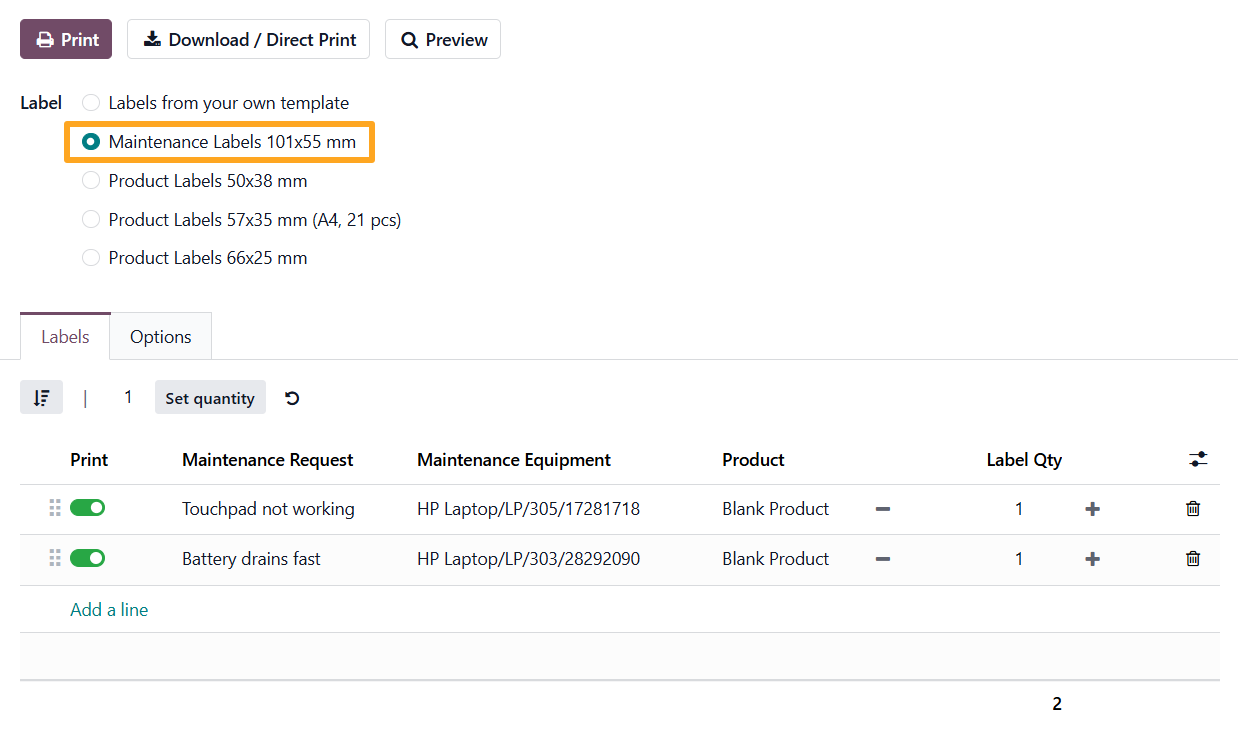
Select multiple records from the list or open a single record. Then click Print and select the Custom Labels action to open the print wizard.


Specific Template
The print wizard allows you to select the Maintenance Labels template and configure print settings.

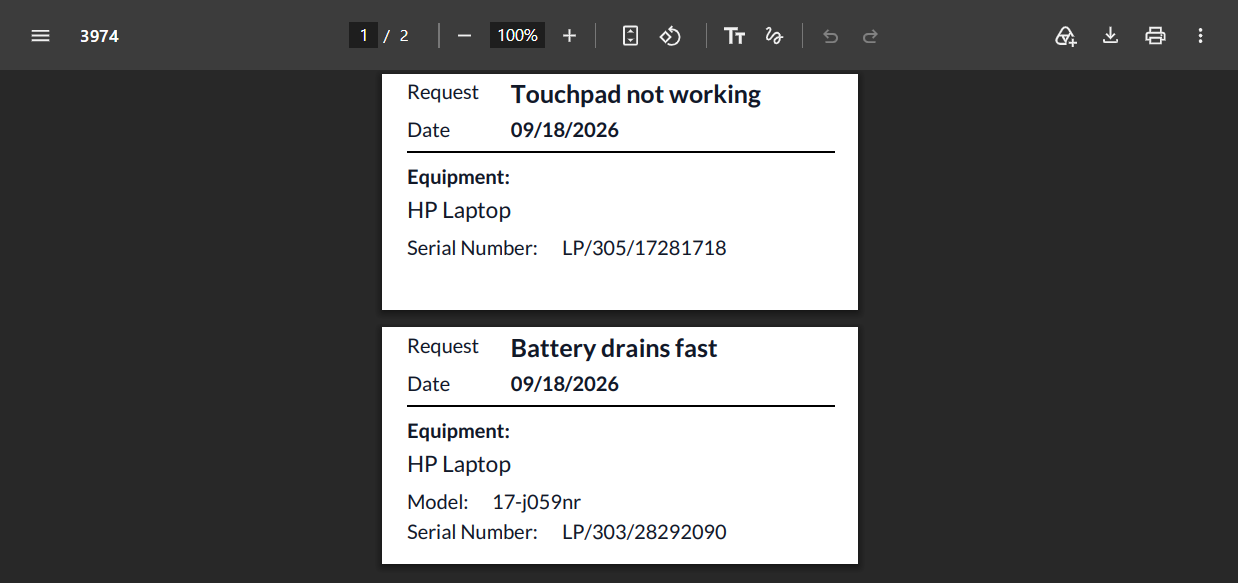
Label Samples
Maintenance label samples:

Create various labels with awesome designs
Upgrade to the Label Builder Start Edition version to create your own labels with the UI label designer, access advanced features, and extended configuration options



App Extensions
Label apps by Garazd Creation can be extended to allow printing labels not only for products but also for other Odoo objects and documents.
The main purpose of these modules is to provide a new Custom Product Labels print menu for the related documents. An additional benefit is the ability to include data from these documents in the labels, which is implemented in our Label Builder apps.
Choose the required one for you from this extension list:
- Stock Product Labels - labels for stock operations (included in Odoo Label Builder Professional)
- MRP Product Labels - BOM labels and product labels for workorders and manufacturing orders
- MRP Workorder Labels - labels for components in work orders
- Purchase Product Labels - labels from purchase orders
- Sales Product Labels - labels from sales orders
- Repair Product Labels - labels for repaired products
Changelog
16.0.1.0.0 2024-03-29
- Init version.
17.0.1.0.0 2024-06-24
- Migration from 16.0.
18.0.1.1.0 2025-05-28
- Add a label template for Maintenance Requests and Equipment.
- Add a setting for a demo maintenance request.
18.0.1.0.0 2024-10-24
- Migration from 17.0.
19.0.1.0.2 2026-07-28
- Add DE, ES, FR, IT, NL, PL, RO translations.
19.0.1.0.1 2025-11-25
19.0.1.0.0 2025-10-23
- Migration from 18.0.
20.0.1.0.0 2026-09-22
- Migration from 19.0.
Resources
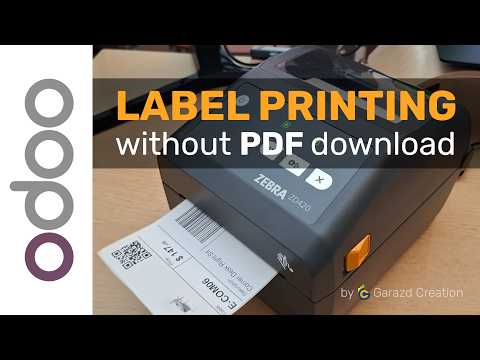
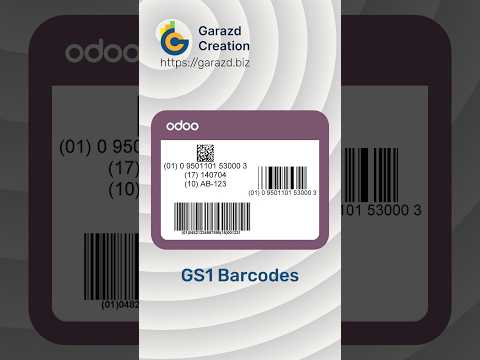

Create GS1 labels according to international standards with Label Builder
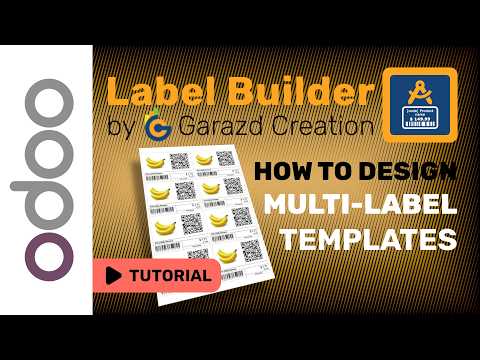
How to design a multi-label layout with Odoo Label Builder by Garazd Creation

Complete Review of Odoo Label Builder Apps by Garazd Creation