
Native Print Wizard
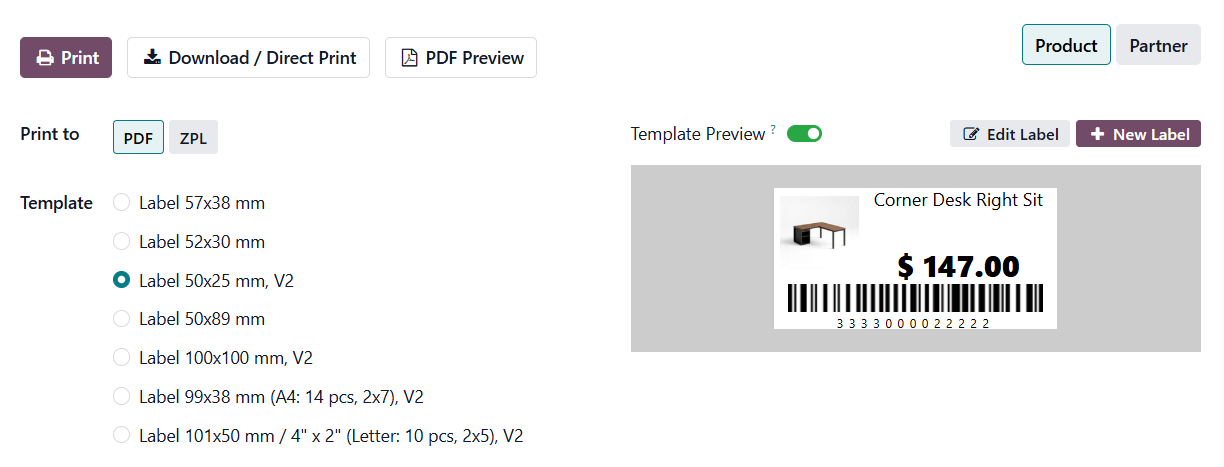
In standard Odoo functionality, label printing is quite basic: a limited set of predefined templates and minimal configuration options without flexibility in design or structure:
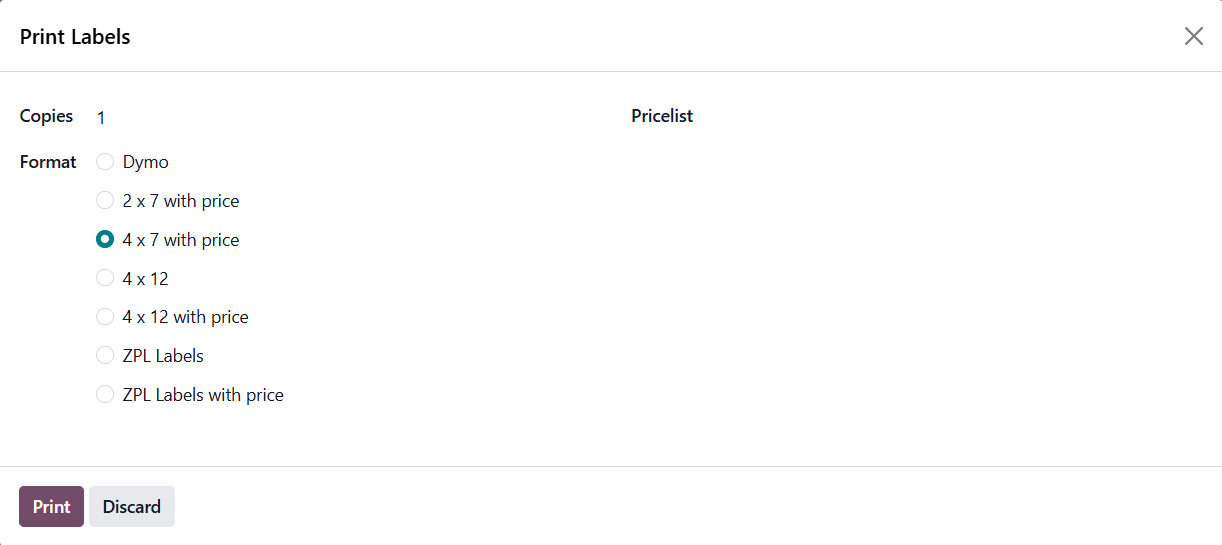
This is sufficient for simple use cases, but quickly becomes a limitation for businesses working with multiple label formats, barcodes, or requiring customization.
Solutions from Garazd Creation extend these capabilities, transforming label printing into a full automation tool. Custom templates, dynamic data, multiple document sources, and advanced use cases are supported.

Label App Comparison
|
Features of Odoo label printing and design apps—from a free module to a full-featured label designer |
Custom Product Labels
|
Odoo Label Builder Start Edition
|
Product Label Builder PRO
|
|---|---|---|---|
garazd_product_label
|
garazd_label_builder
|
garazd_product_label_pro
|
|
|
Alternative Print Wizard
|

|
|
|
|
Support Multi-label Layouts
|
|
|
|
|
Ready-made Label Templates
|
3
|
5
|
8
|
|
Pricelists Selection
|

|
|
|
|
Font Selection
|
|
|
|
|
Label Preview
|
|
|
|
|
Label Designer
|
|
|
|
|
Special Label Sections
|
|
1
|
4
|
|
Label Widgets
|
|
3
|
6
|
|
Group Label Sections
|
|
|
|
|
Shorten URL
|
|
|
|
|
Label Background
|
|
|
|
|
ZPL Printing
|
|
|
|
|
Can be Extended with GS1 Barcodes
|
|
|
|
|
Full Price
|
0.0
€
|
125.0
€
|
285.0
€
|
|
Upgrade Price
|
|
|
160.0
€
|

Basic Extension for Label Printing
Odoo Custom Product Labels solves a key need — providing a convenient alternative label printing wizard. The solution allows configuring the print quantity for each product label and includes several ready-made label templates:
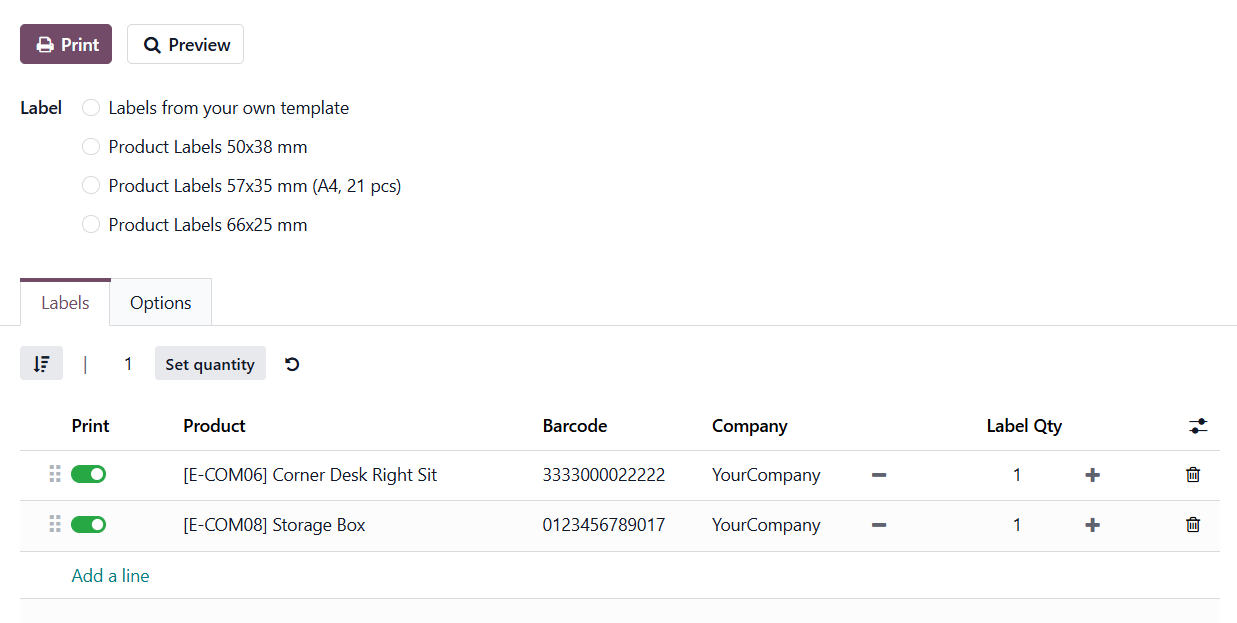
The main value of the module lies in its simplicity and accessibility. With this free solution, a quick way of printing labels with basic data is provided without changing the standard Odoo logic. It is suitable for small businesses or as a starting point.
Flexibility and Custom Design
The next level introduces the ability to create custom label templates. Odoo Label Builder Start Edition adds a builder that allows adapting labels to your brand and business processes.
Key Capabilities
- Custom label layout creation
- Use of barcodes, QR codes, and images
- Dynamic elements such as the current date
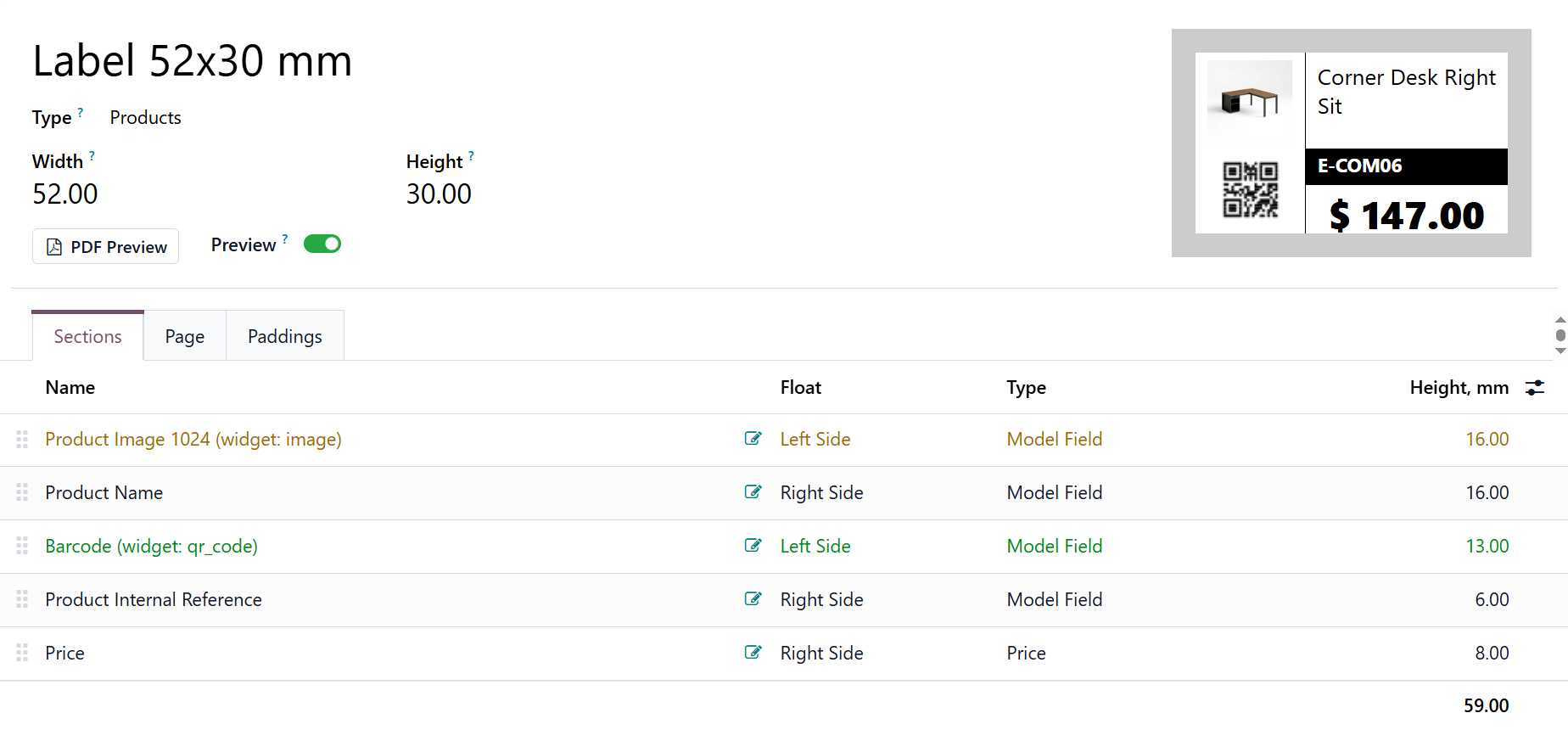
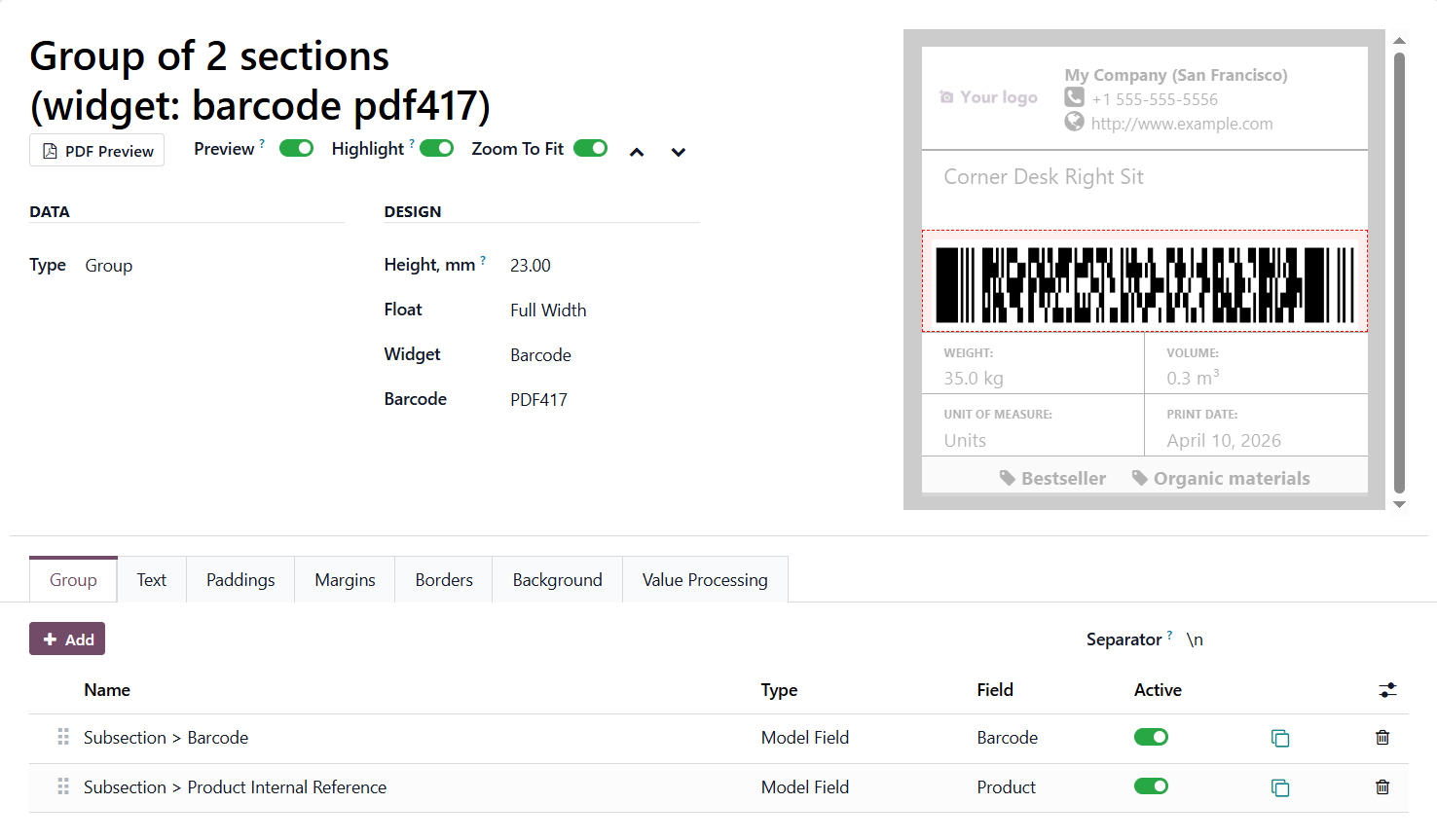
The label template consists of sections, which are used to place and format product information and other elements on the label. Sections can be imagined as sequential rows of a label, although each row can be further divided into sections.
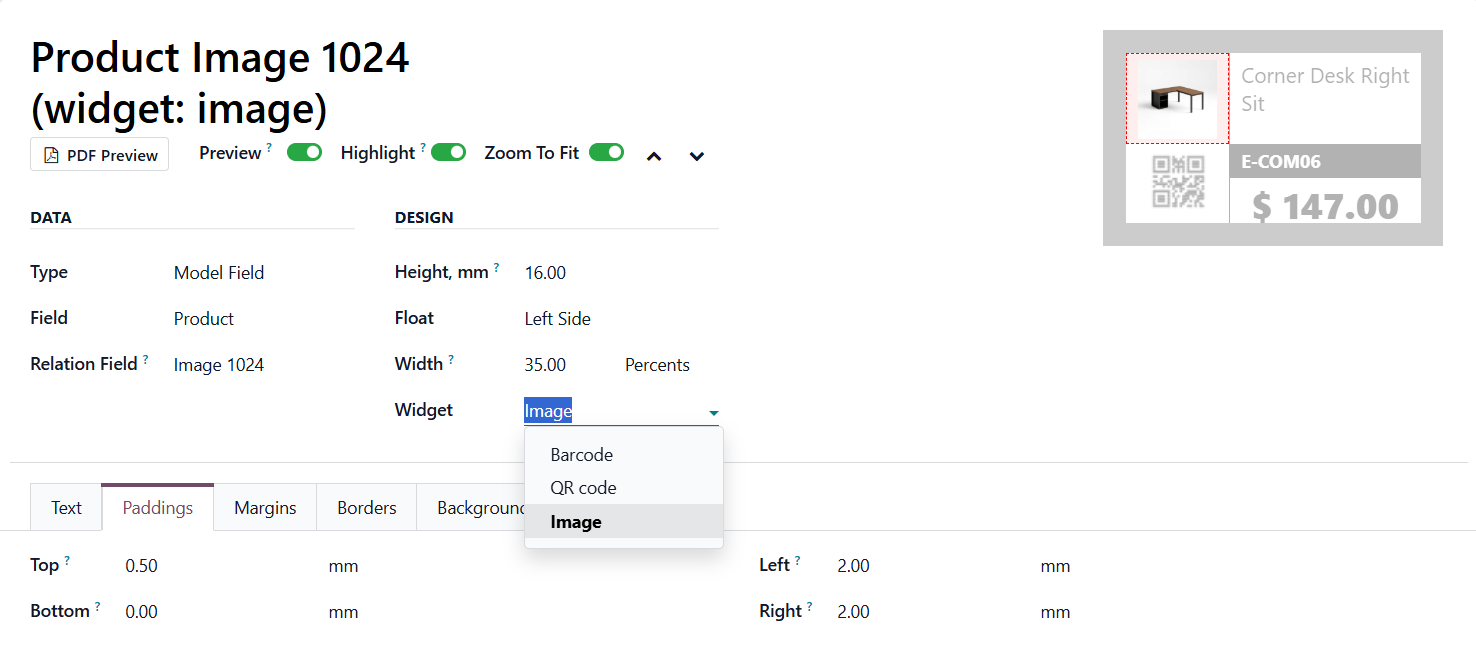
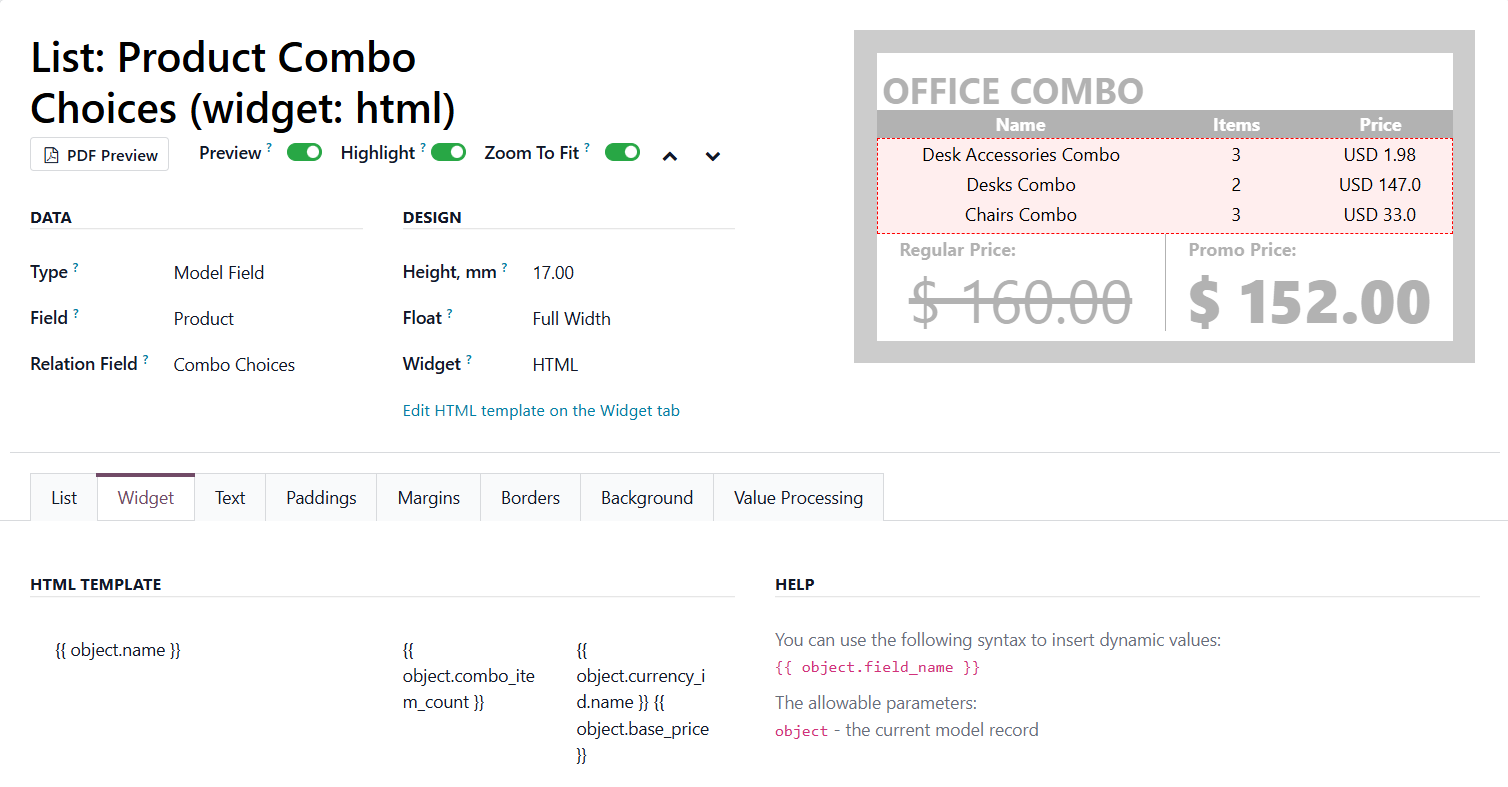
Sections may contain fixed text, images, model field values, and more. With the help of widgets, data within sections is displayed in a specific format.
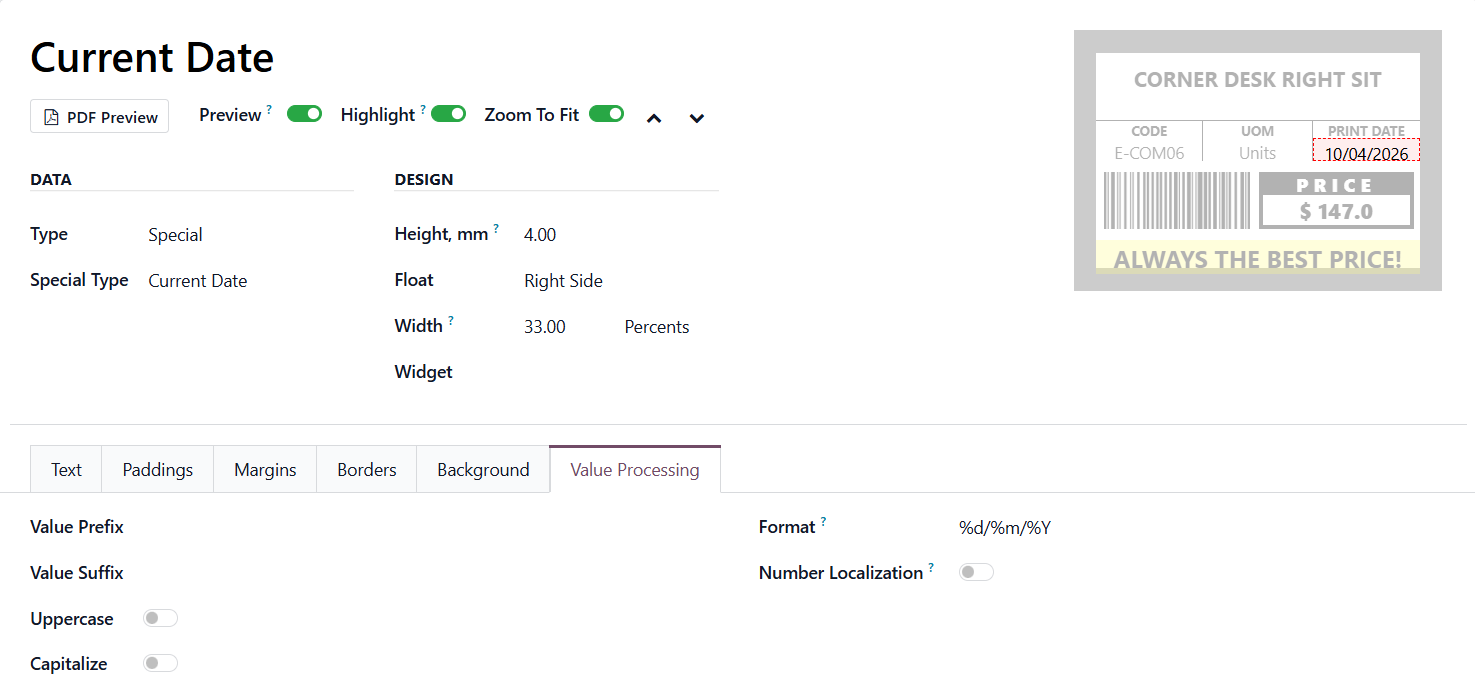
This app is suitable for businesses that have outgrown standard templates and require a more flexible approach without complex technical configurations.
Maximum Capabilities for Business
The Odoo Label Builder Professional significantly expands functionality and targets more complex business needs.
Advanced features
- Extended template library for products and partners
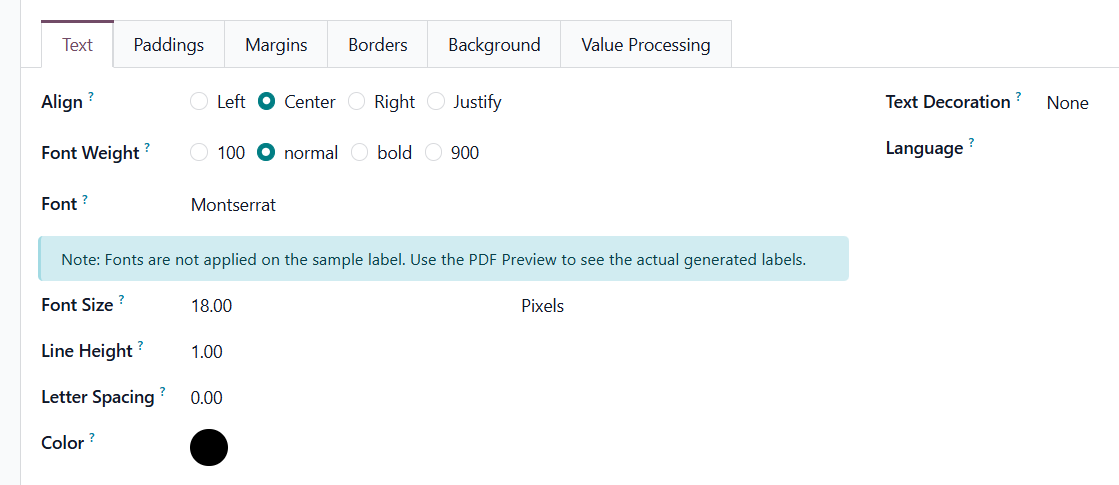
- Advanced text formatting
- Group sections support
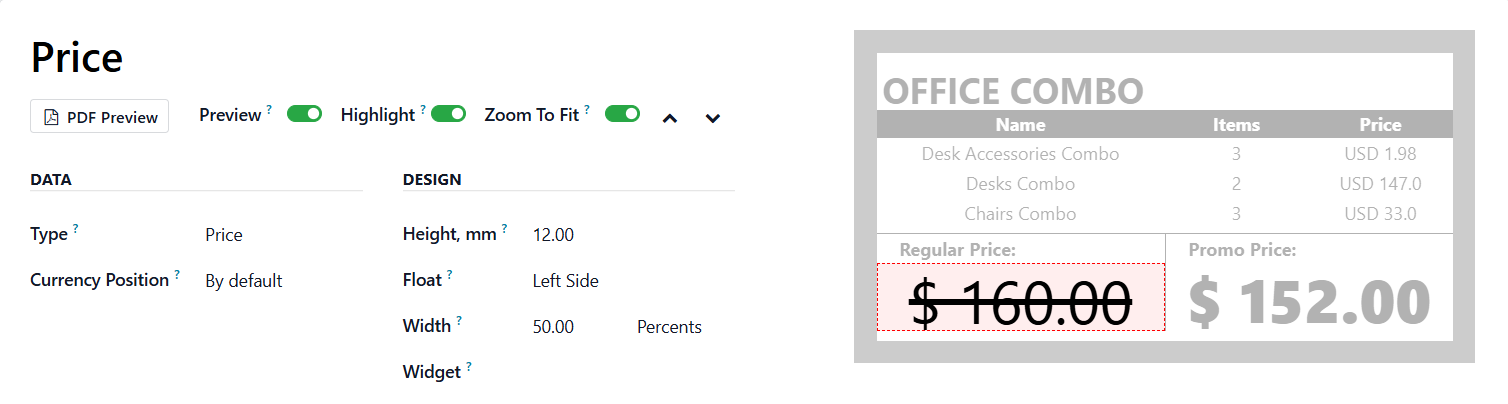
- Product attributes, HTML, and complex data blocks
- Pricing logic with quantity-based variations
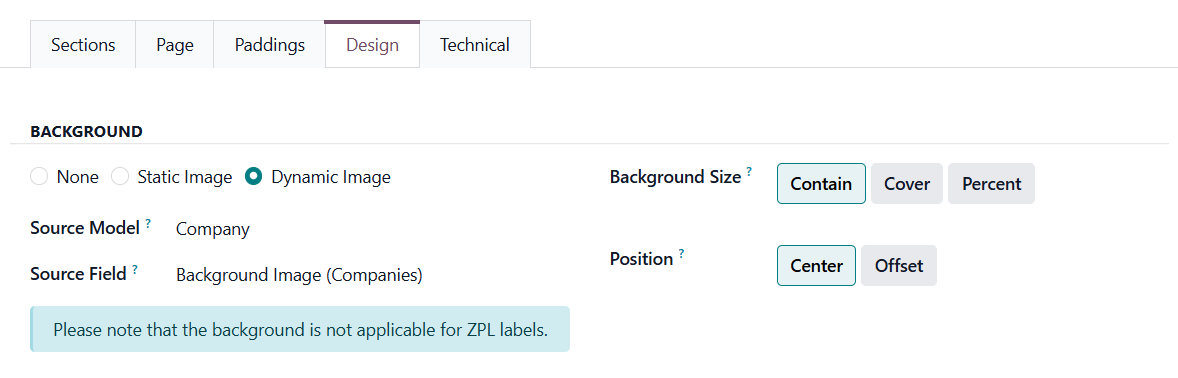
- Label background customization
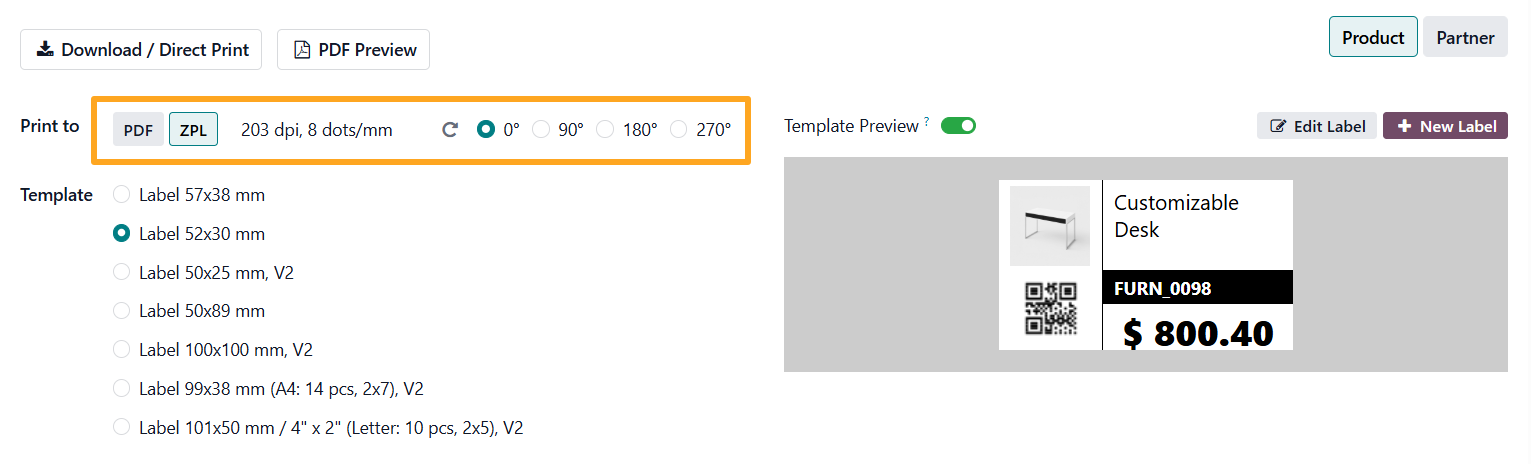
- ZPL printing for thermal printers
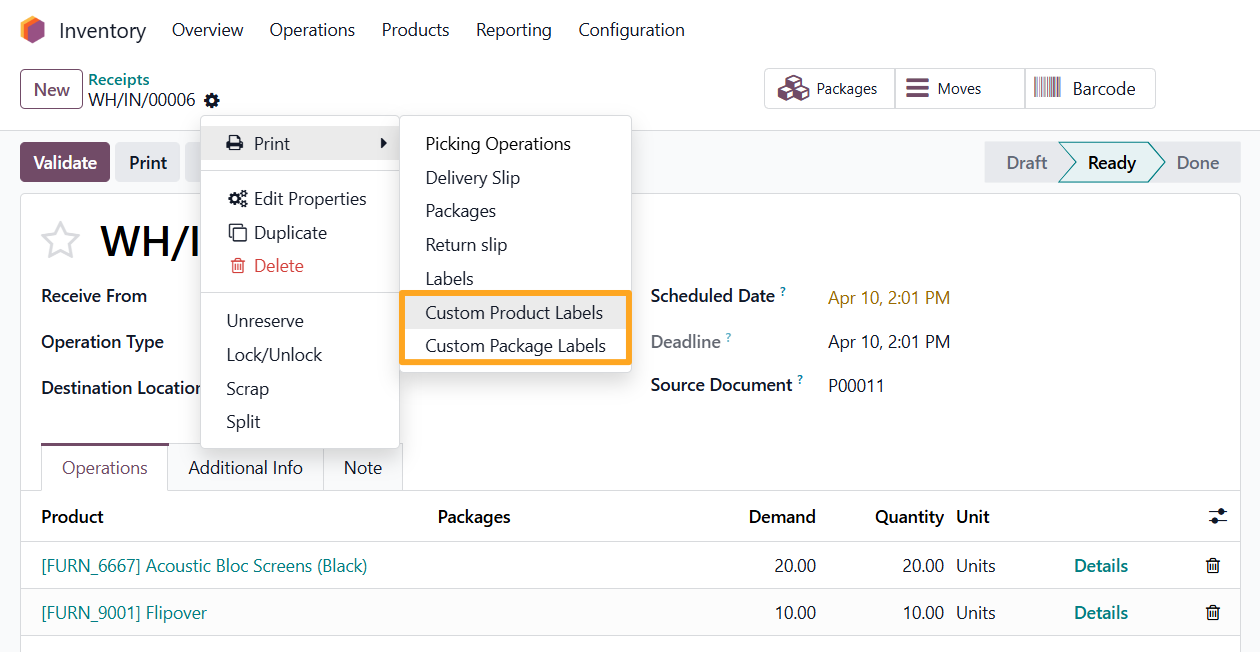
- Built-in module for printing labels from stock documents
- GS1 barcode support
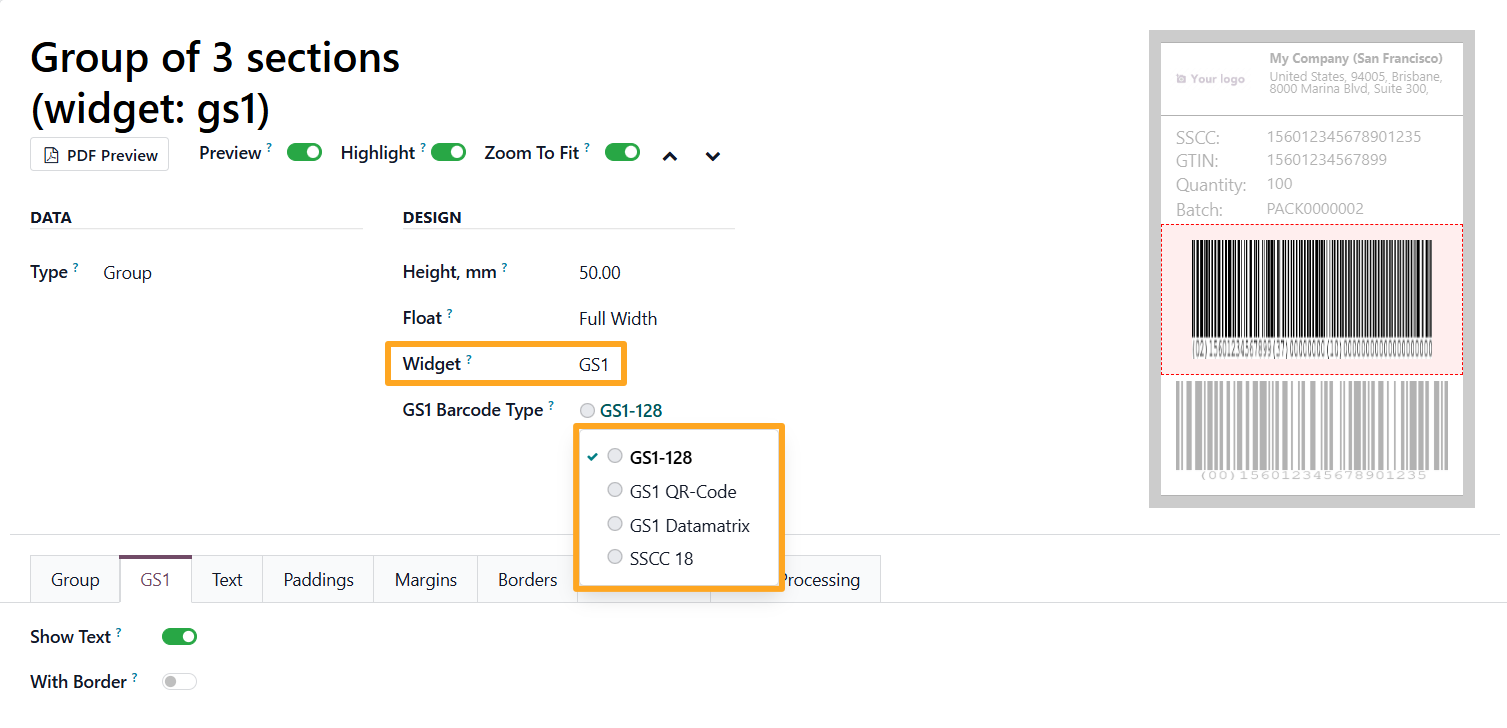

This solution is designed for medium and large businesses where labels carry critical operational data.
Summary
The solutions from Garazd Creation enable scalable label printing aligned with business growth — from basic scenarios to complex automated workflows.
Choosing the right module provides not only a printing tool but also a structured approach to standardizing and automating labeling processes in Odoo.