
Why Ukrposhta?
Do your customers choose Ukrposhta for delivery? Ukrposhta offers more affordable delivery rates compared with other Ukrainian providers. Supporting these customers gives your business more flexibility and clients' loyalty while helping diversify your product shipping channels.
For businesses that use the Odoo ERP system, Garazd Creation has developed a comprehensive solution for working with Ukrposhta, the national postal operator.
The solution includes a base integration and two extensions: one for eCommerce stores and one for shipment registers. Let's take a closer look at each module.
Base Integration
The Odoo Ukrposhta Integration module provides the base connection between Odoo and the postal service. You configure the connection using an API key and a counterparty token, which Ukrposhta provides after you sign an agreement with the company.
After installation, the integration becomes part of the unified delivery management center — Delivery Hub. The corresponding menu lets you create and manage accounts, shipments, delivery waybills, contacts, and products.
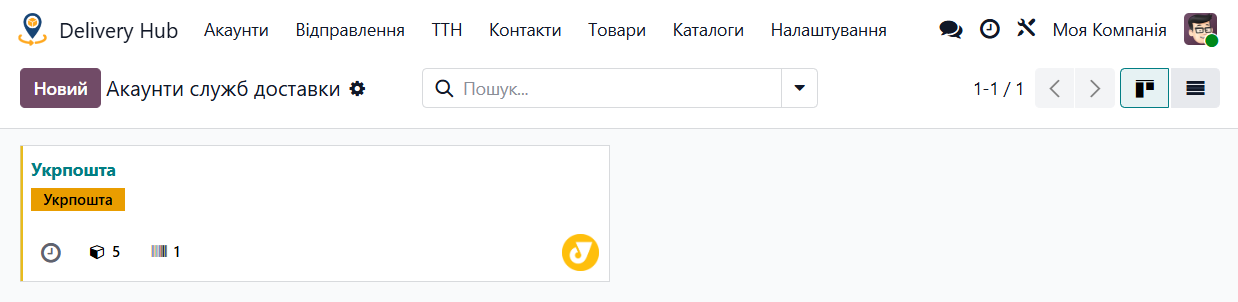
Look at the module features below.
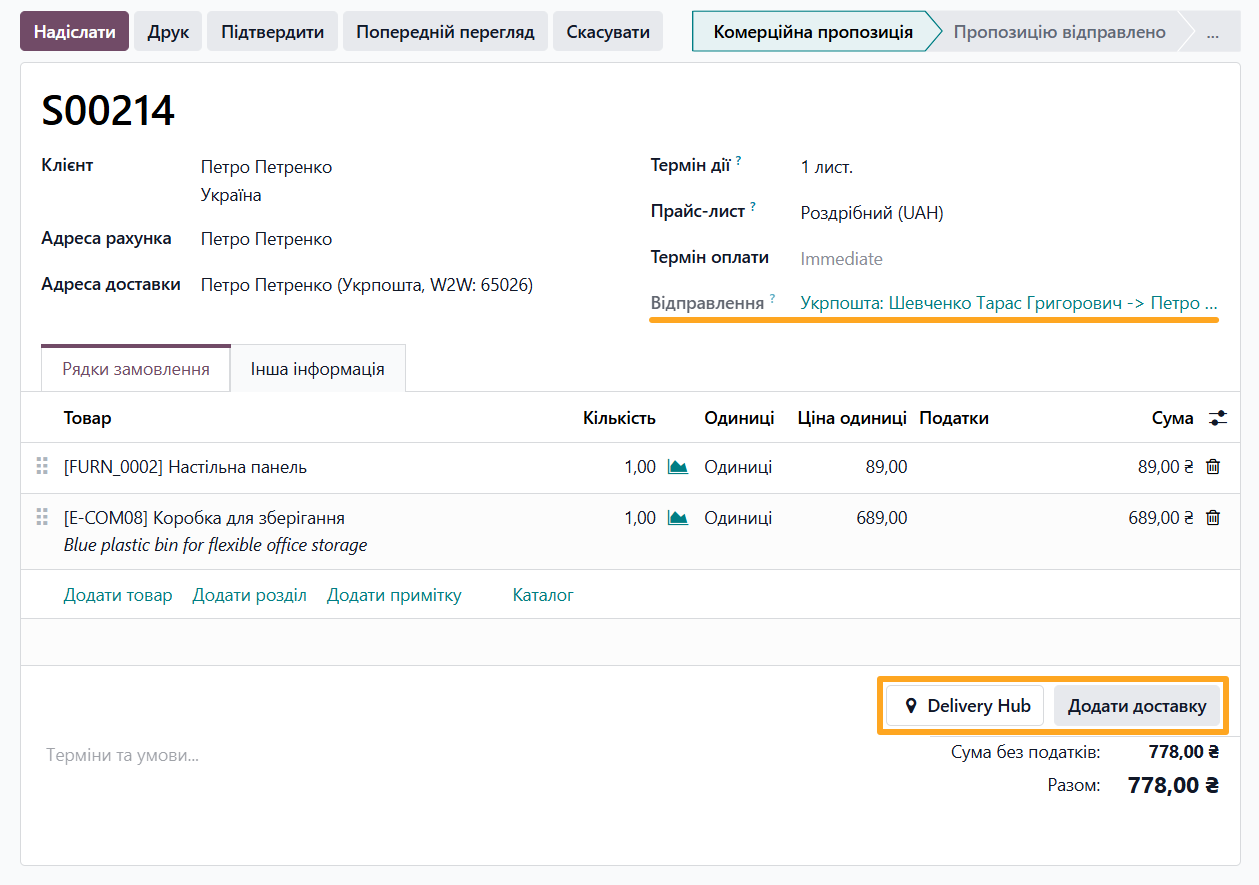
Create Shipments
You can create a shipment directly from a sales order or as a separate document.
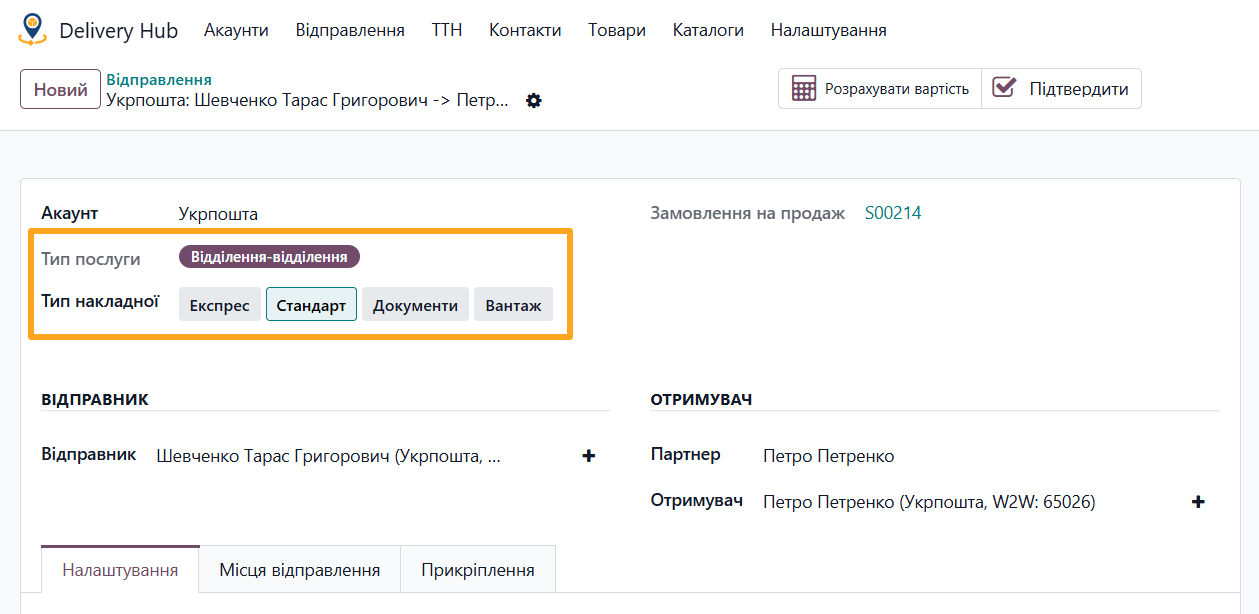
Ukrposhta Rates and Services
Select the waybill type (Express, Standard, Documents, or Cargo) and the delivery type (Warehouse to Warehouse or Warehouse to Door).
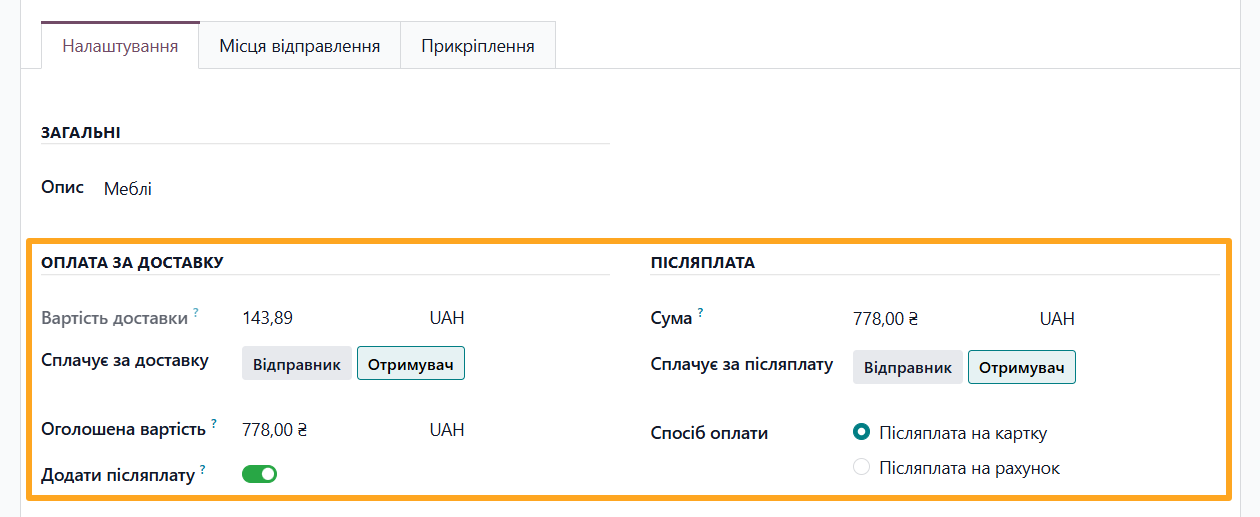
Cash on Delivery
Specify the declared value and configure the Cash on Delivery (Postpaid Transfer) service by selecting who pays the commission and how Ukrposhta transfers the funds: to a card or a bank account.
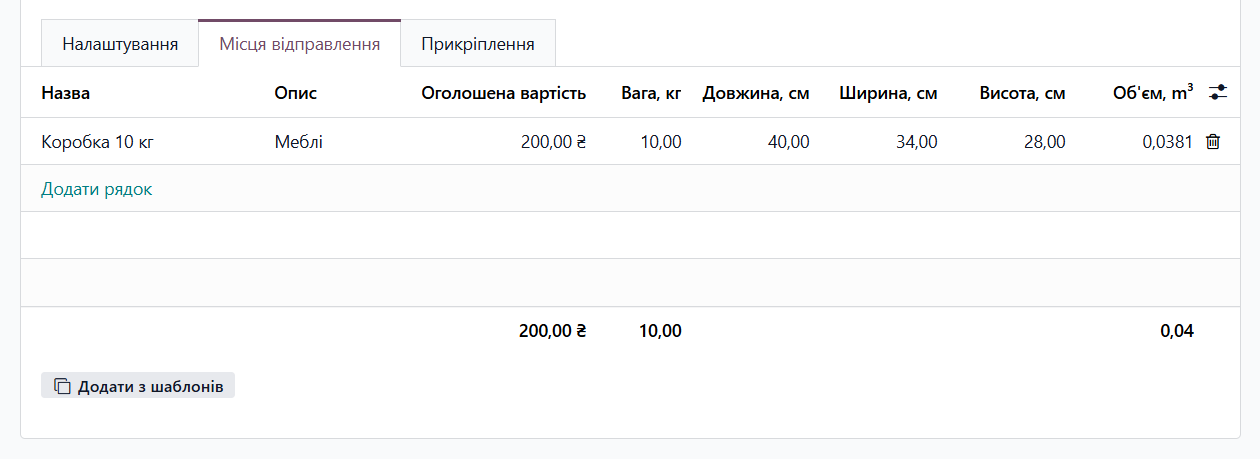
Manage Shipping Places
Specify the shipment description, weight, dimensions, and other shipment details.
Complete Shipment Workflow
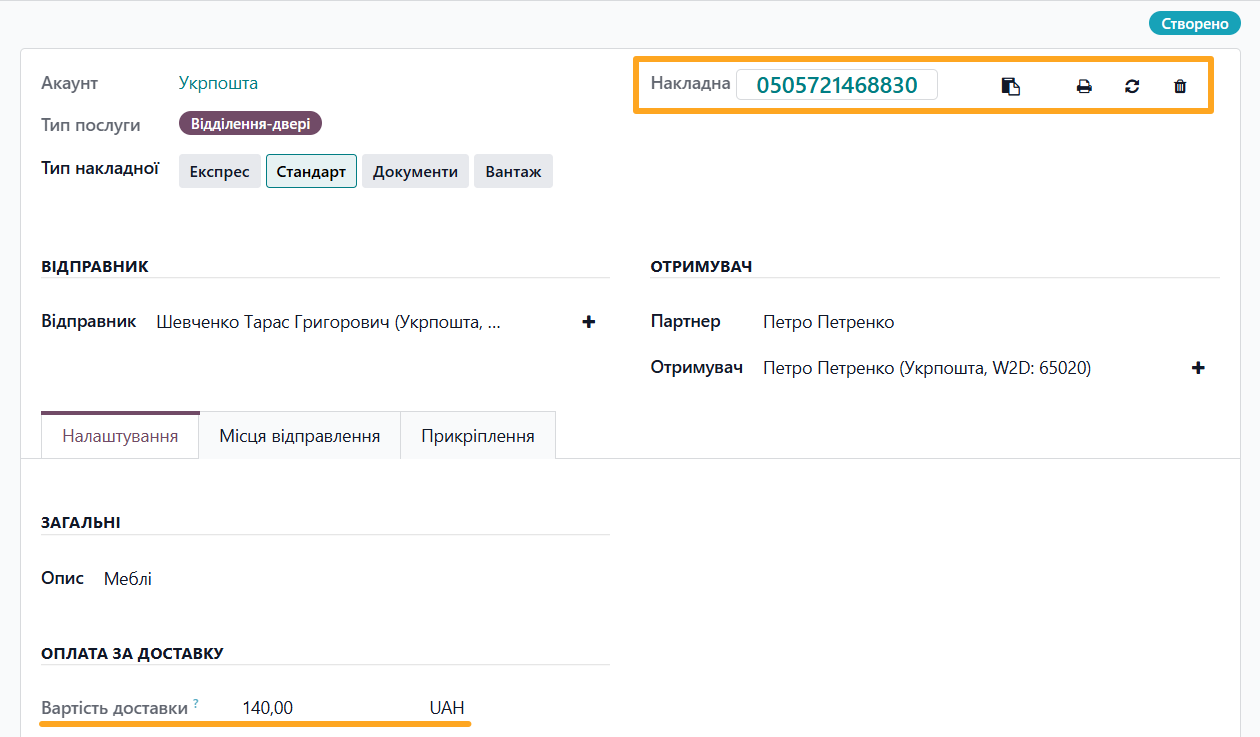
Automatically calculate the delivery cost, create a waybill with a shipment tracking number, print labels, synchronize shipment statuses, and cancel shipments.
Unified Interface
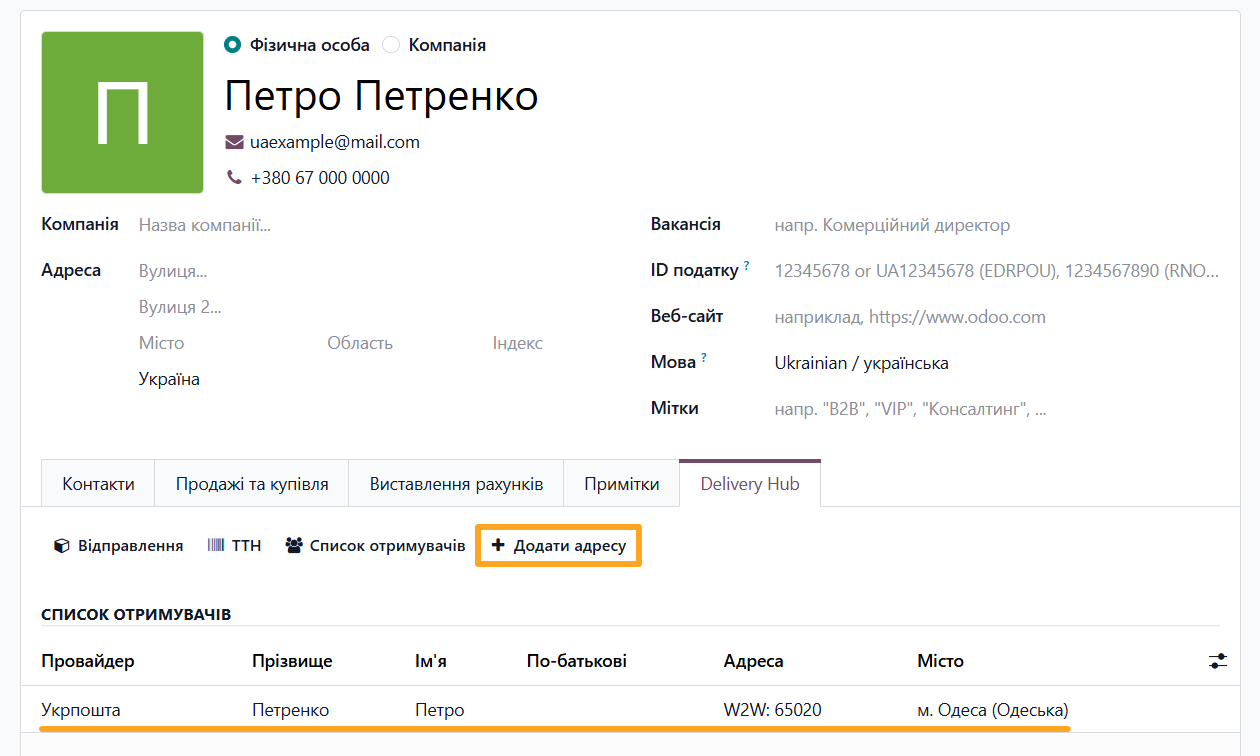
The unified interface of the Delivery Hub module series makes it easier to enter and manage delivery data. The corresponding partner tab contains a complete list of delivery addresses and related actions.
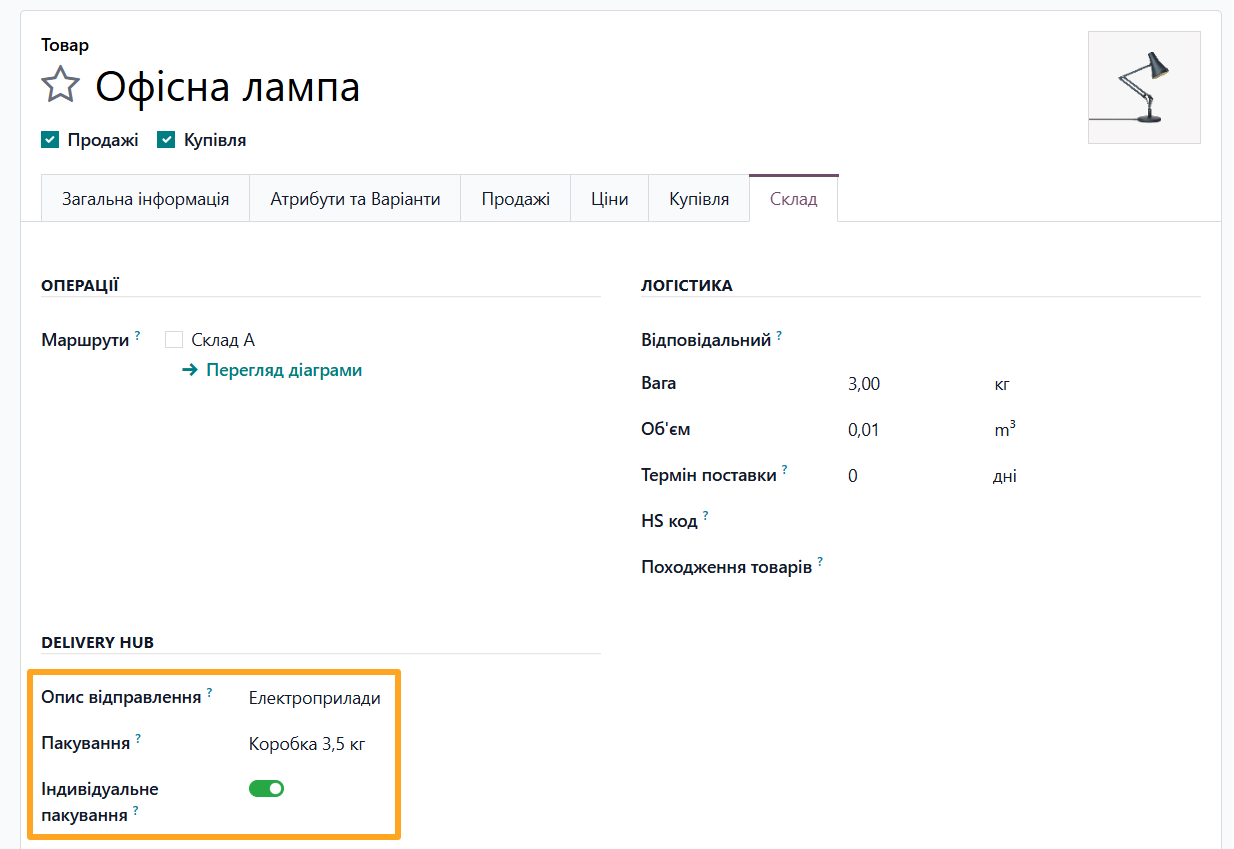
For products, specifying package and shipment descriptions automates data entry for new deliveries.
For eCommerce Stores
For businesses that sell products through an Odoo-based eCommerce store, the Ukrposhta Delivery for eCommerce extension provides:
- Convenient checkout for customers
- Data storage
- Instant delivery cost calculation
- Automatic shipment creation
During checkout, customers select Ukrposhta delivery and enter the recipient's address details in a dedicated form.
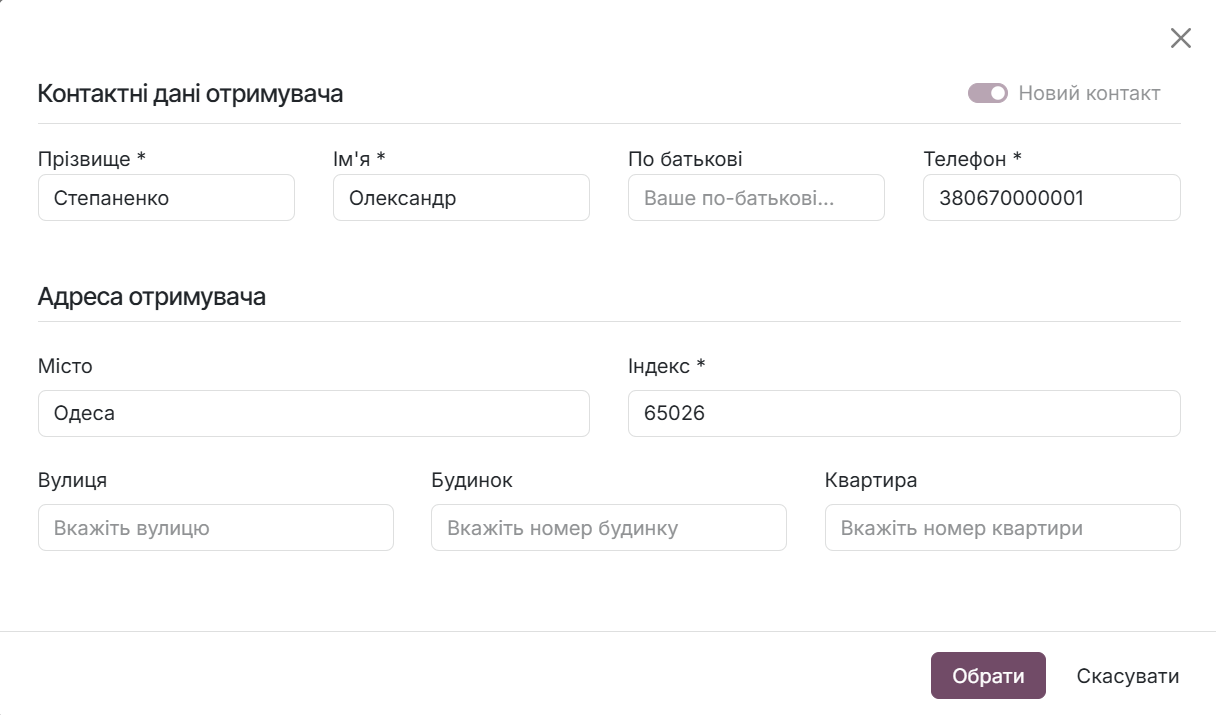
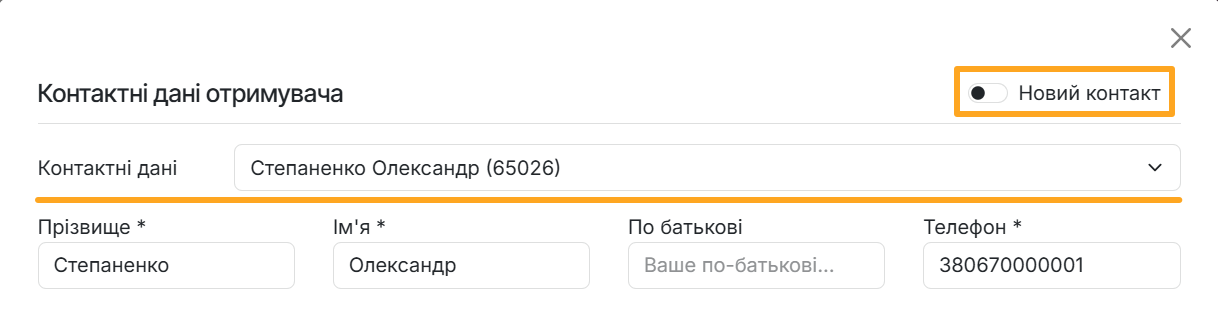
The entered addresses are saved in the customer's account for reuse or for quickly adding a new contact.
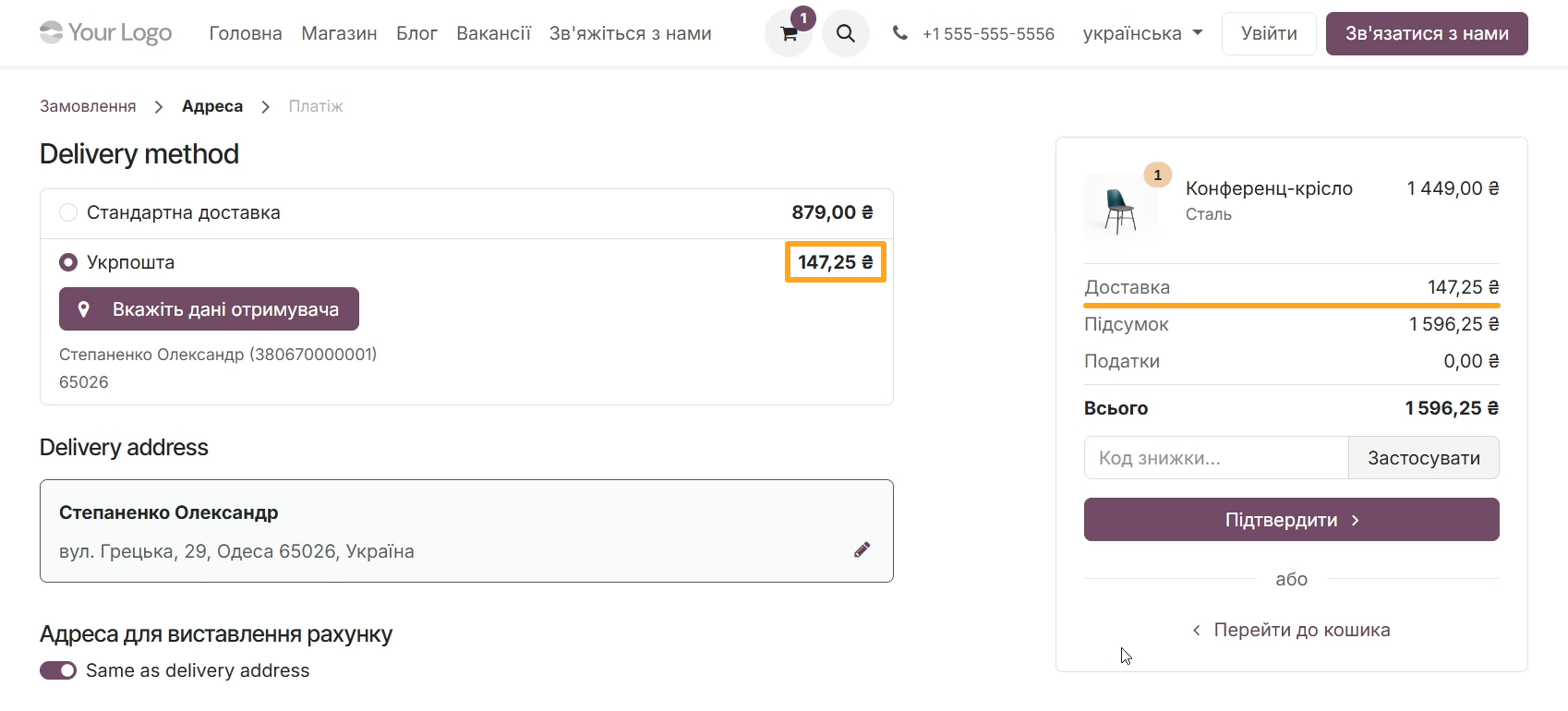
The module automatically calculates the delivery cost and creates a shipment in Odoo as soon as the customer confirms the order on the website.
For Multiple Shipments
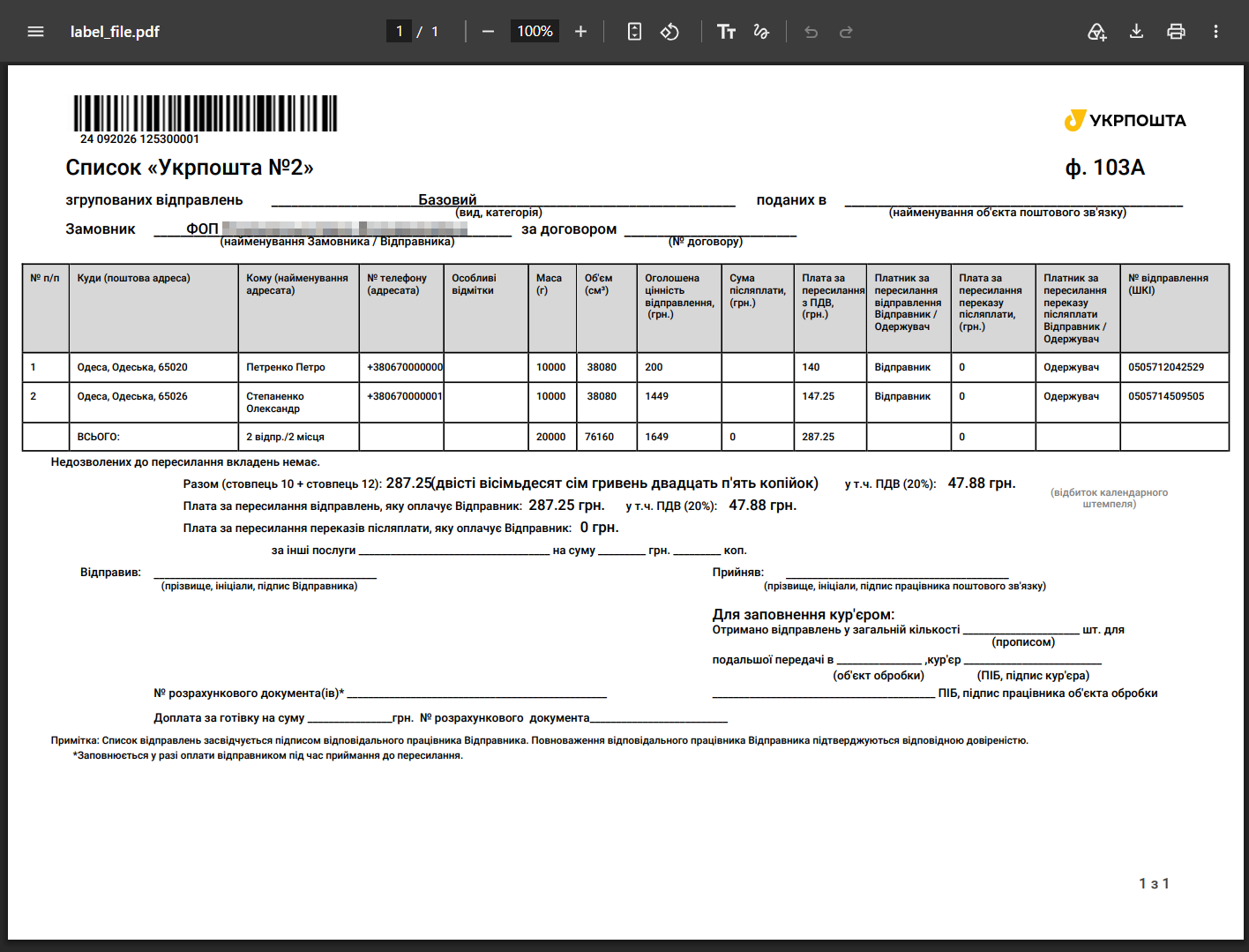
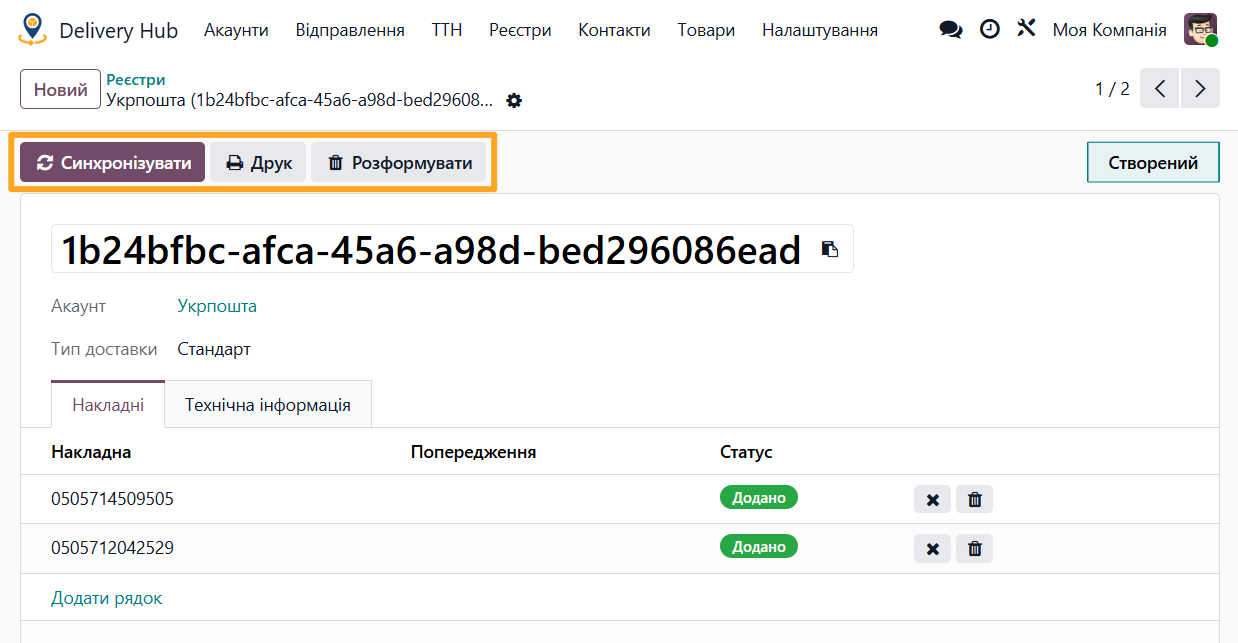
When a business processes a large number of shipments every day, handling each waybill separately requires additional time. The Odoo Ukrposhta: Shipment Registers module solves this problem by allowing you to combine waybills into shipment registers.
Benefits of Multiple Shipment Processing

Faster processing at the post office
A register combines multiple waybills into a single document (Form 103A), allowing a Ukrposhta employee to scan one barcode and process all parcels at once
Convenient ways to create registers
Create a register from the Registers menu, from the Waybills list, or directly from a specific waybill form
Grouping by type
The module creates separate registers for each Ukrposhta delivery type
Full control
Print Form 103A, synchronize statuses, and disband a register with one click
Delivery Hub Modules
Using Delivery Hub modules lets you operate with a single logistics center within your Odoo system. You get more than just Ukrposhta integration: you can also connect other delivery services, such as Nova Post and Rozetka Delivery, and provide a unified interface for your users and eCommerce customers.
Optimize your business logistics and get a stable, convenient delivery integration with professional Odoo modules by Garazd Creation.