
Connect to Epicentr Marketplace and provide your product data through Epicentr XML Feeds
The Odoo Epicentr XML Feeds app by Garazd Creation automates the exchange of product data between Odoo and the Epicentr Marketplace. It generates and updates XML data feeds according to the platform’s technical requirements, ensuring that products are displayed correctly in the Epicentr Marketplace catalog.
The module simplifies integration with the Epicentr marketplace, reduces the risk of errors, and helps keep product information in your online store accurate and up to date.
| Availability |
Odoo Online
Odoo.sh
On Premise
|
|---|---|
| Compatibility |
Community
Enterprise
|
| Technical Name | product_data_feed_epicentr |
| Version | 20.0.1.0.0 |
| License | OPL-1 |
| Category | |
| Support | Free 60 days support and 360 days bug-fixing |
Use Case

Jorem ipsum dolor sit amet, consectetur adipiscing elit. Nunc vulputate libero et velit interdum, ac aliquet odio mattis. Class aptent taciti sociosqu ad litora torquent per conubia nostra, per inceptos himenaeos.
Forem ipsum dolor sit amet, consectetur adipiscing elit. Nunc vulputate libero et velit interdum, ac aliquet odio mattis. Class aptent taciti sociosqu ad litora torquent per conubia nostra, per inceptos himenaeos.
Dorem ipsum dolor sit amet, consectetur adipiscing elit. Nunc vulputate libero et velit interdum, ac aliquet odio mattis.
It is a long established fact that a reader will be distracted by the readable content of a page
Korem ipsum dolor sit amet, consectetur adipiscing elit. Nunc vulputate libero et velit interdum, ac aliquet odio mattis. Class aptent taciti sociosqu ad litora torquent per conubia nostra, per inceptos himenaeos.
Korem ipsum dolor sit amet, consectetur adipiscing elit. Nunc vulputate libero et velit interdum, ac aliquet odio mattis.
Odoo App Installation
Upload modules
Upload modules from the ZIP archive to your Odoo hosting, or a GitHub repository connected there.
Place the unzipped modules in your custom add-on directory and restart the Odoo system service.
Update App List
After restarting, activate the Developer Mode, and go to the Apps menu.

Click on Update Apps List to fetch the new modules in the list.
Activate the App
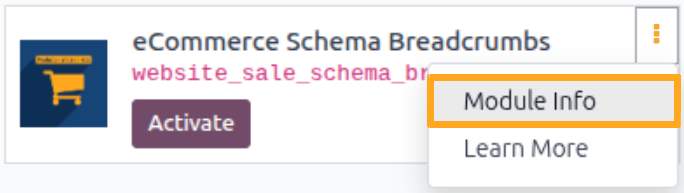
Install the new module, finding it by name and clicking on the Activate button.

* If you don't see the module, try to remove the default Apps filter from the search bar.
Configuration
Follow the instructions in the module description to complete the installation process and start using the app.

Manual
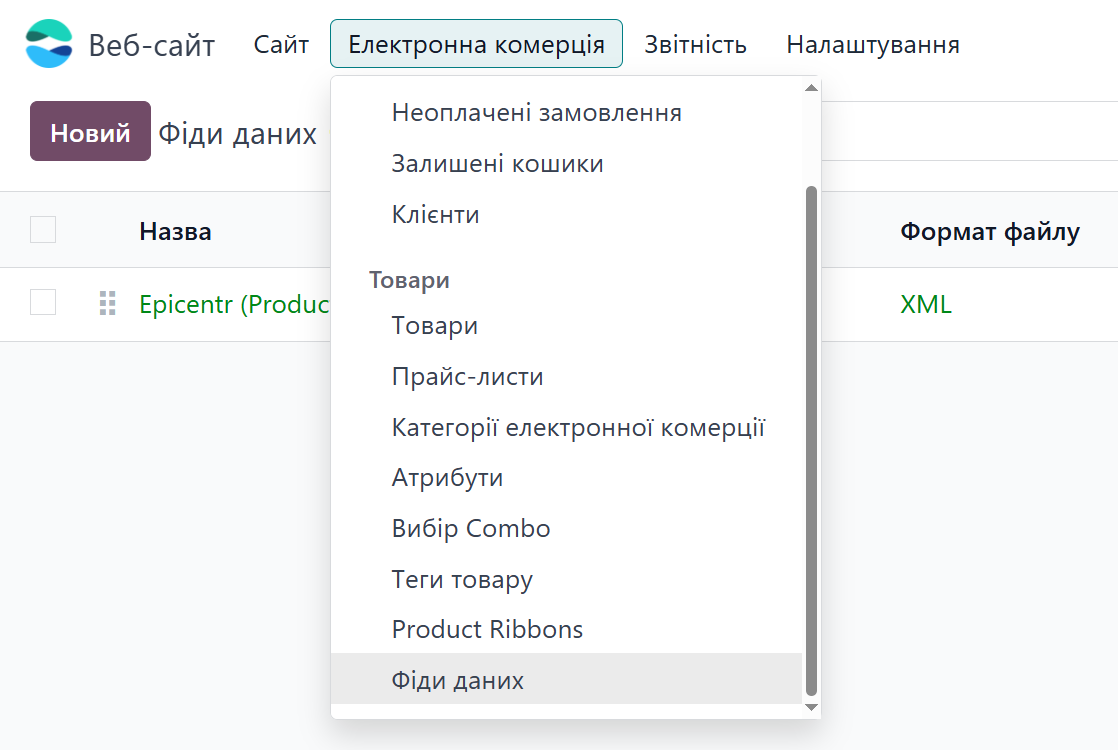
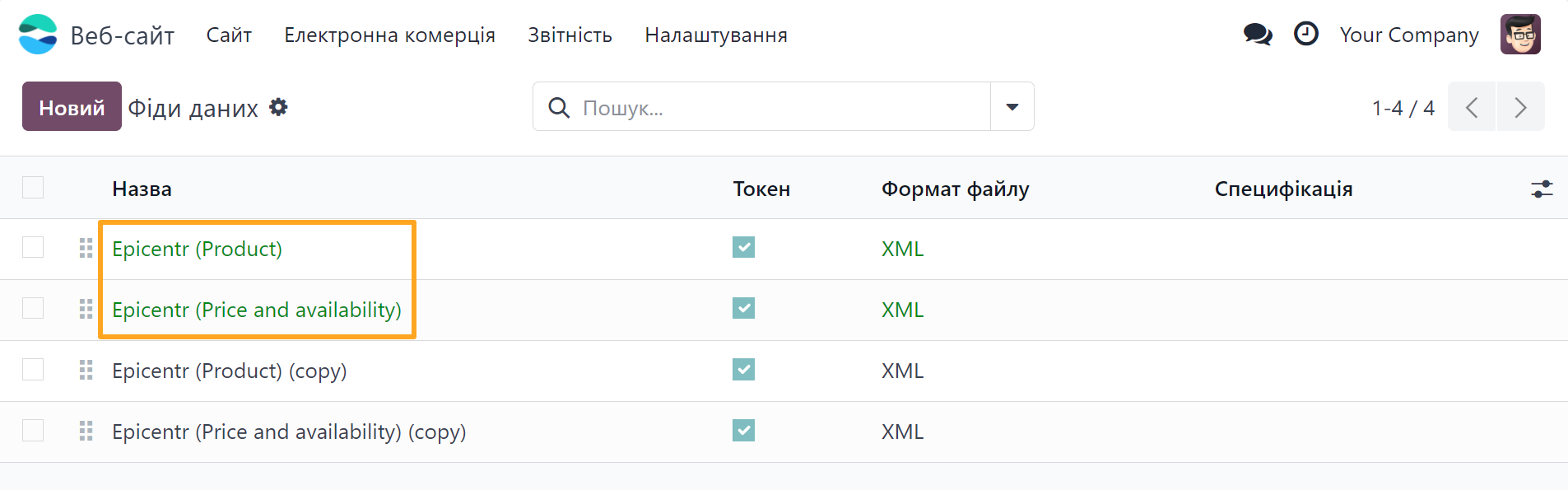
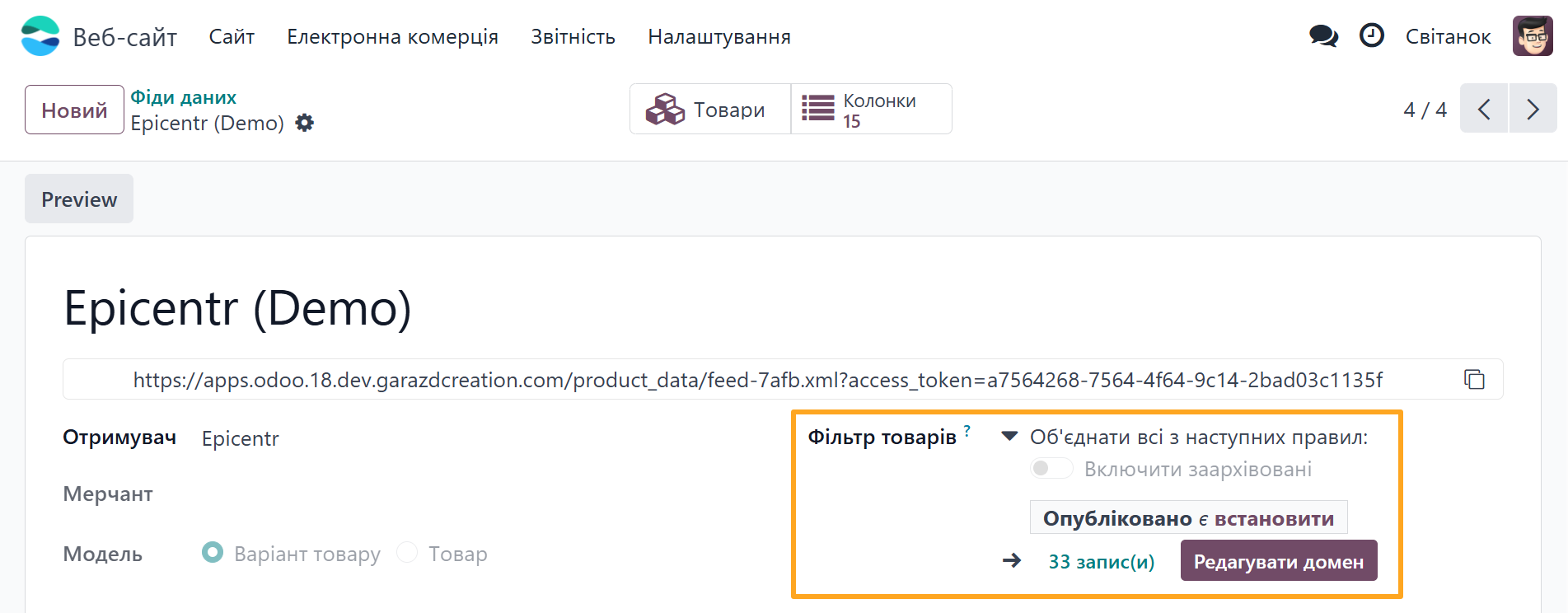
- Product - a template for products (main feed)
- Price and availability - a template for prices and stock (dependent on the main feed)

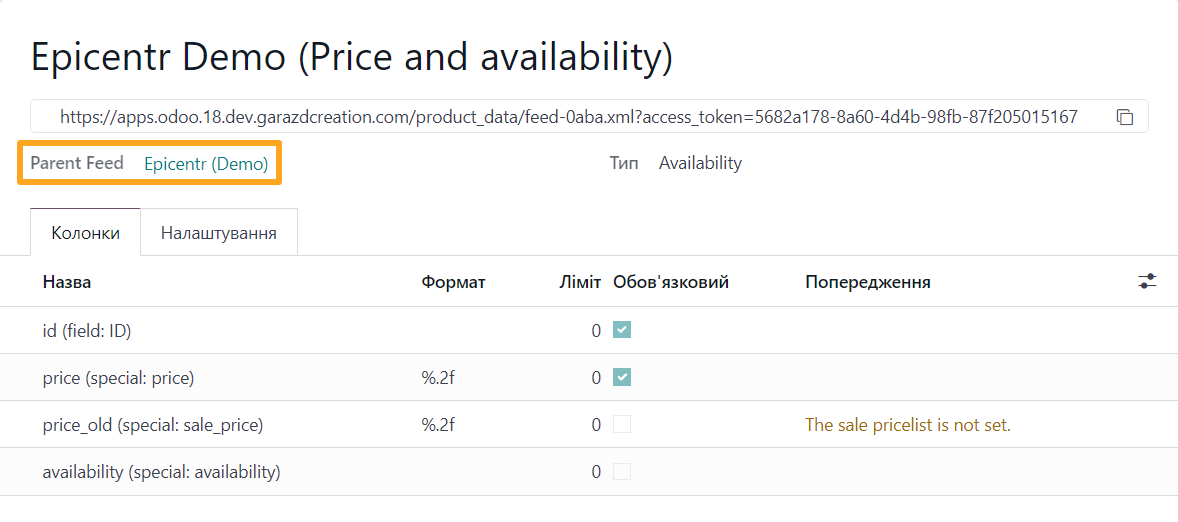
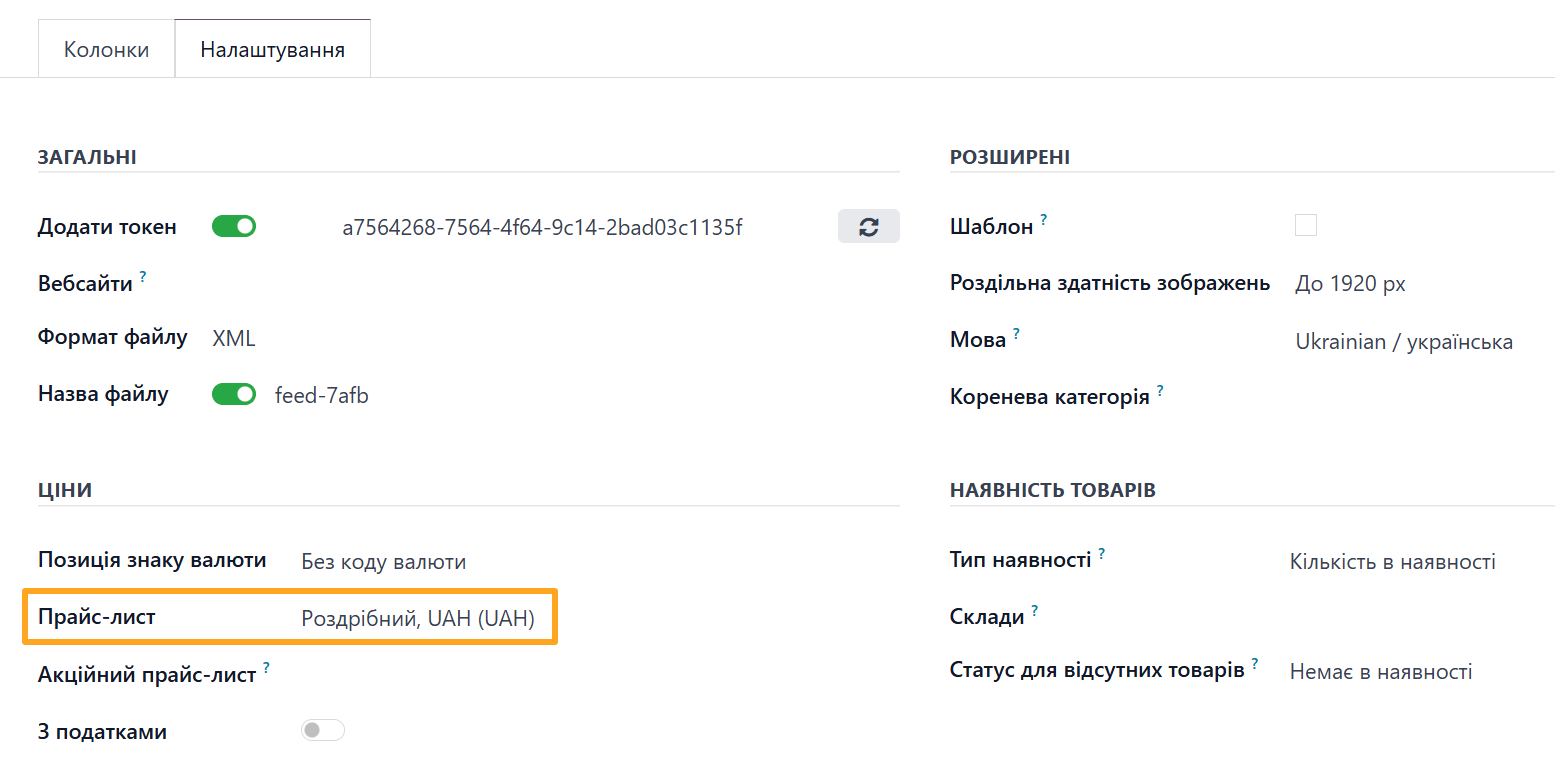
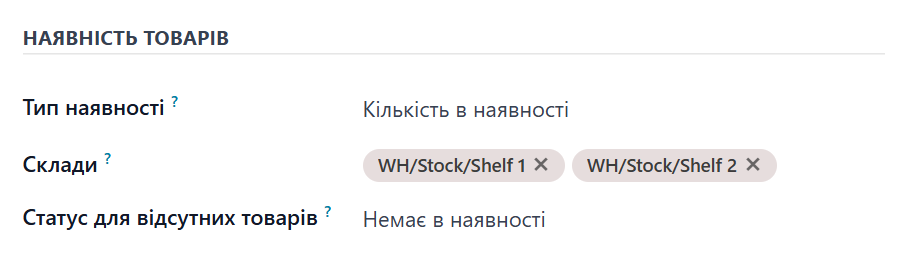
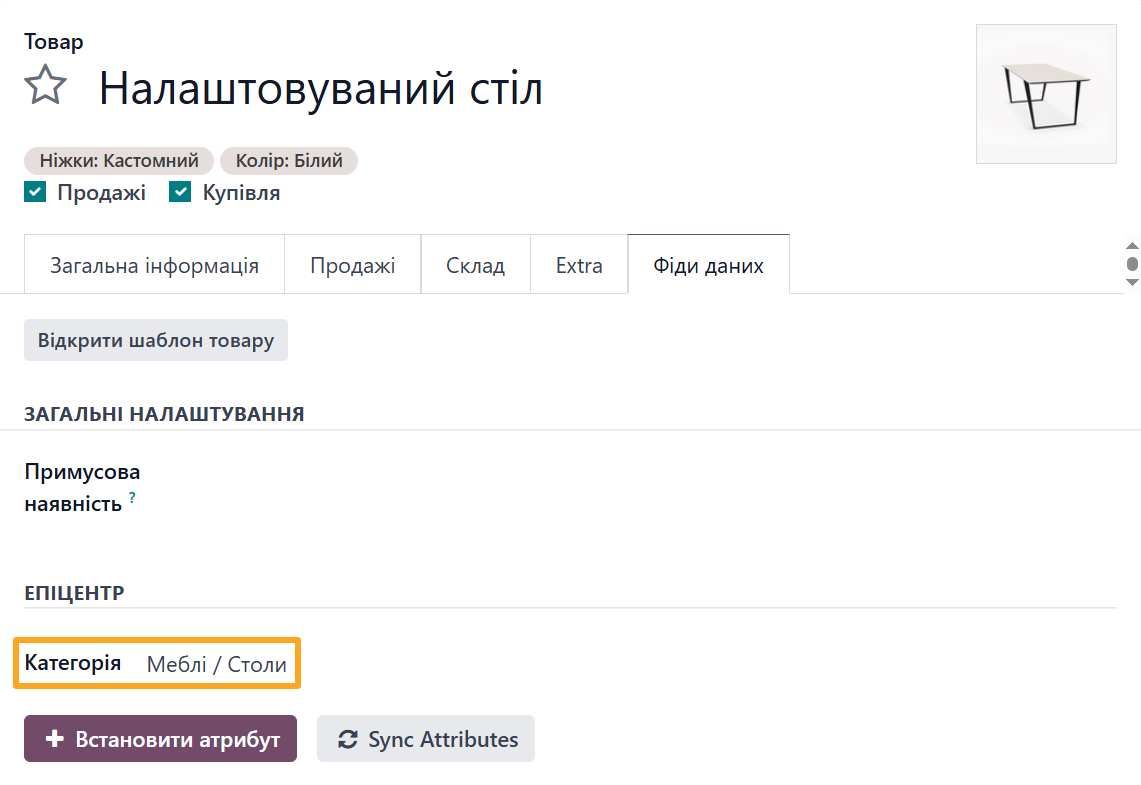
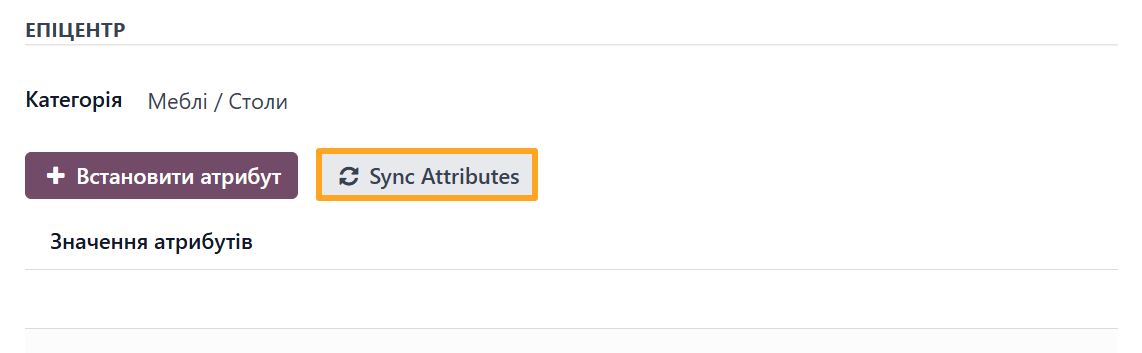
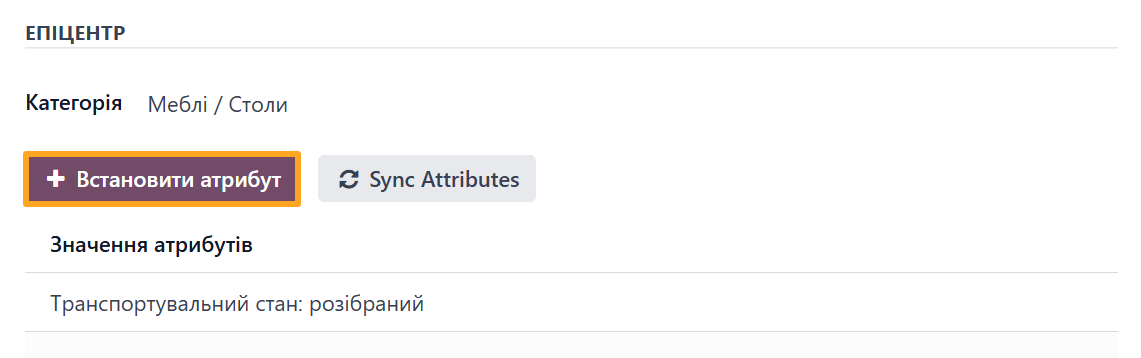




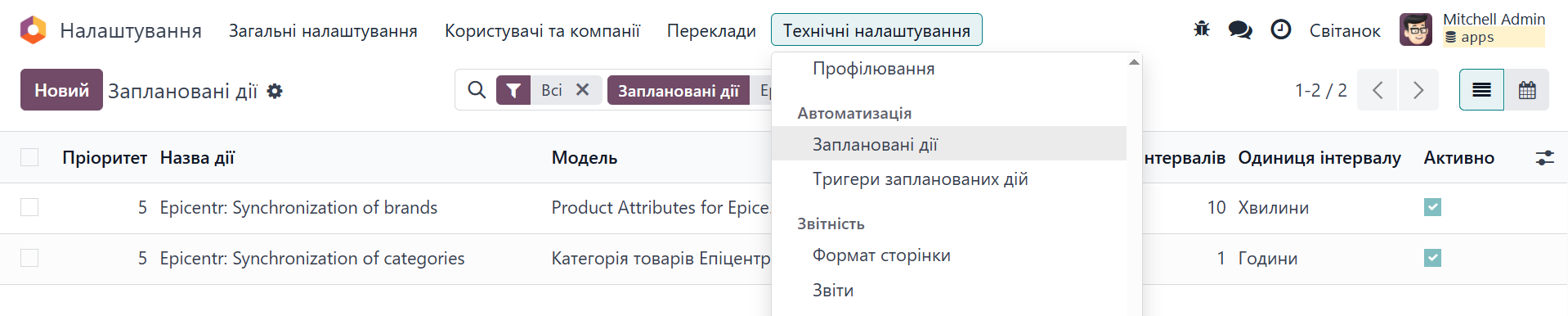
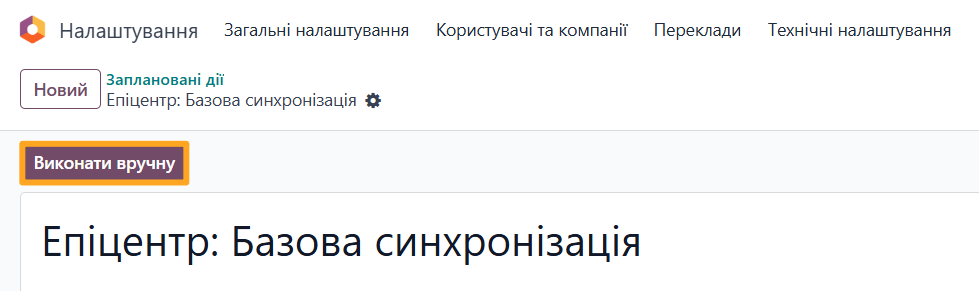
- Epicentr: Attribute and Brand Synchronization - imports marketplace brands and product attributes once per hour.
- Epicentr: Base Synchronization - imports product categories once per day.
Changelog
18.0.1.2.1 2026-01-09
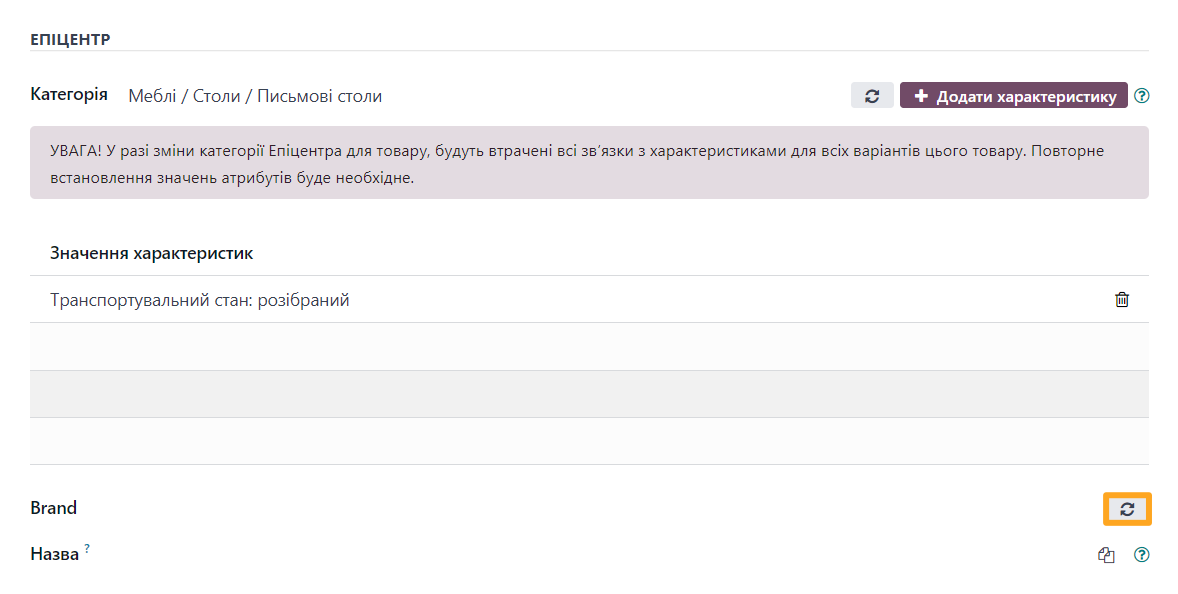
- Add a button to sync brands from the product form.
- Improve Epicentr category synchronization.
18.0.1.2.0 2026-01-05
- Improve logic to sync and use the Epicentr Product Brands.
18.0.1.1.0 2025-11-21
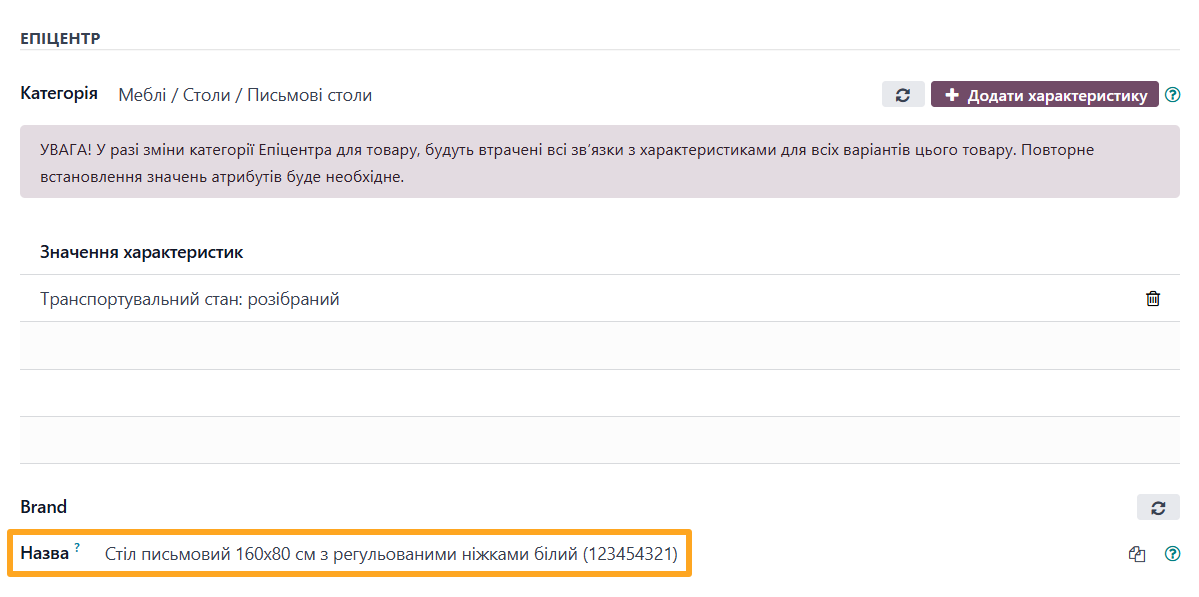
- Improved handling of the Epicenter attributes and alternative product names.
- Improve product views.
18.0.1.0.0 2025-11-03
- Migration from 16.0.
19.0.1.0.0 2026-01-09
- Migration from 18.0.
20.0.1.0.0 2026-09-28
- Migration from 19.0.
Resources


How to Automate Your Launch on Europe’s Leading Marketplace